#Recommended Chinese-Friendly Linux Distributions
In 2025, Microsoft announced that Windows 10 would soon stop receiving support, with no more security updates afterward. If you cannot upgrade to Windows 11, it is time to give Linux a chance! If you are not a user who heavily depends on the Microsoft and Adobe family buckets, and if you have had contact with Steam Deck, you should know that Linux is no longer what it used to be. It can not only play Steam games, but also be used as a productivity tool, and it can keep receiving the latest system updates.
Fortunately, I jumped ship back when Windows 11 did not support the 7th-generation i5 I had. Although Rufus can remove TPM restrictions, I still went all in without hesitation, completely switched to Linux, and locked Windows inside a virtual machine, only opening it when necessary. It has been four years now, and I have never thought of going back. The distribution I currently use often is Kubuntu.
Linux can rejuvenate old computers, or rather, let your hardware unleash its potential again and return to being smooth and fluid. It turns out the computer was not failing; the Windows interface had just become too bloated!
Which Linux distribution to recommend is a question that easily triggers religious wars. In any case, I will not make you say “I use Arch btw” too quickly. For three distributions suitable for beginners moving from Windows to Linux, I have picked the following three: Linux Mint, Kubuntu, and Zorin OS. Their interface layouts are similar to Windows, most system operations can be completed with a GUI, and you do not need to type commands much. Many hardware drivers are also installed for you. The interface Chinese localization is complete.
These distributions are all modified from Ubuntu, so related tutorial resources are shared, and you do not have to worry about software support!
A brief summary in one image:
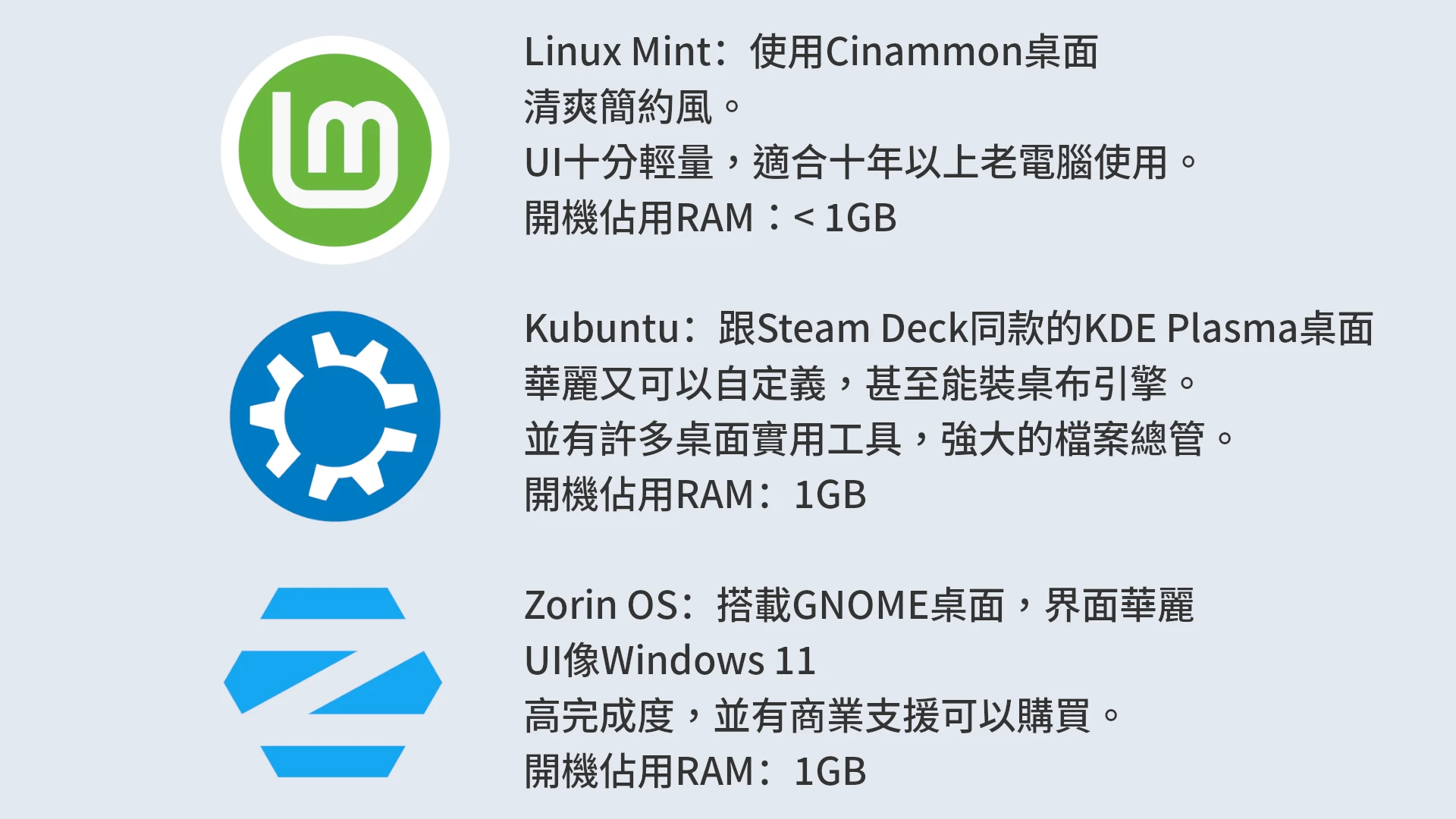
Linux Mint #
- Uses the Cinnamon desktop, with extremely high stability.
- Clean and simple style.
- Very lightweight UI, suitable for old computers more than ten years old.
- Built in with many tools: software store, update manager, driver manager, Timeshift backup system.
- RAM usage at boot: < 1GB
Suitable for: people who want stability, familiarity, and no tinkering at all, especially old-computer users.
Official download: Linux Mint: Home
Kubuntu #
- Uses the same KDE Plasma desktop as Steam Deck.
- Gorgeous and customizable, and can even install a wallpaper engine.
- Has many practical desktop tools, including the Discover software store, KDE Connect for syncing files with phones, and the multi-tab Dolphin file manager.
- Compared with KDE Neon, Kubuntu has a steadier update pace.
- RAM usage at boot: 1GB
Suitable for: people who like pretty interfaces, customization freedom, or have Steam Deck experience. However, in KDE tradition, the UI occasionally has tiny little bugs.
I recommend downloading the Kubuntu LTS version. The update frequency is slower and stability is higher.
Official download: Kubuntu | Friendly Computing
Zorin OS #
- Ships with the GNOME desktop and a gorgeous interface.
- UI resembles Windows 11.
- Highly polished, with commercial support available for purchase.
- Built in with Wine (Wine + Zorin Windows App Support), allowing you to double-click and run Windows exe files.
- RAM usage at boot: 1GB
Zorin OS provides multiple editions. The “Core” edition is free of charge, while “Pro” requires a one-time payment. The only difference between the two is interface customizability. There are no restrictions on software installation, because most Linux software is free of charge.
That said, actually, if you know how to manually install packages, you can unlock Pro’s paid features yourself, so there is no necessity to purchase it. It can only be described as contributing sponsorship to software development!
Official download: Zorin OS - Make your computer better.