Desktop envrionments & Interfaces for Linux mobile devices.
I wanted to find suitable desktop environment packages for Linux touchscreen devices, so this article sorts through active projects from the open source community over the last few years. This should give you an idea of which interfaces are available on mobile Linux.
Here, “touchscreen devices” includes phones, tablets, and convertible laptops. In other words, mobile devices.
Why Not Use Existing Desktop Environments? #
Desktop Linux has more than 20 desktop environments, and most of them are still designed mainly for keyboard and mouse input.
Among the many options, XFCE4 and LXQT can barely adapt to touch devices after manual layout tweaking.
GNOME and KDE Plasma have “tablet modes,” but they are still not enough.
So it is necessary to use desktop environments designed specifically for touch devices. The desktop environments discussed here focus on touchscreen devices, but they also work on large-screen systems. App layouts automatically adapt to screen size.
How Do You Install Desktop Environment Packages? #
Linux distros designed for phones, such as postmarketOS, Arch Linux ARM, Manjaro ARM, Mobian, Drodian, openSUSE Mobile, and Fedora Mobility, should all package the desktop environments mentioned in this article, allowing users to switch freely.
Ubuntu touch cannot freely install system interfaces because the system is read-only.
I do not recommend Android users install Termux just to try these. These desktop environments are not meant to run inside a container.
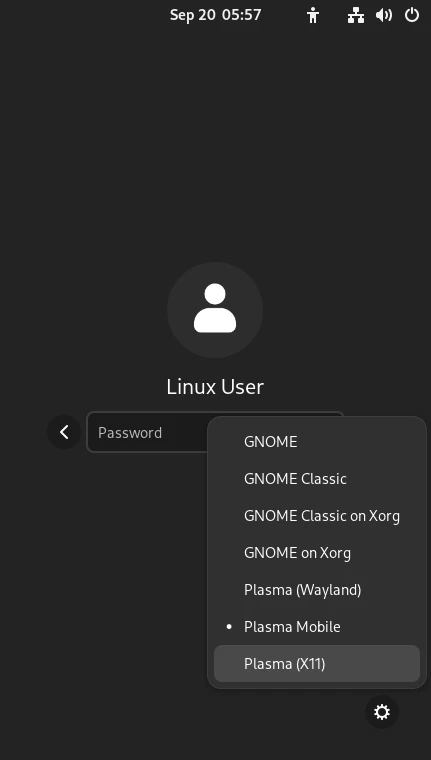
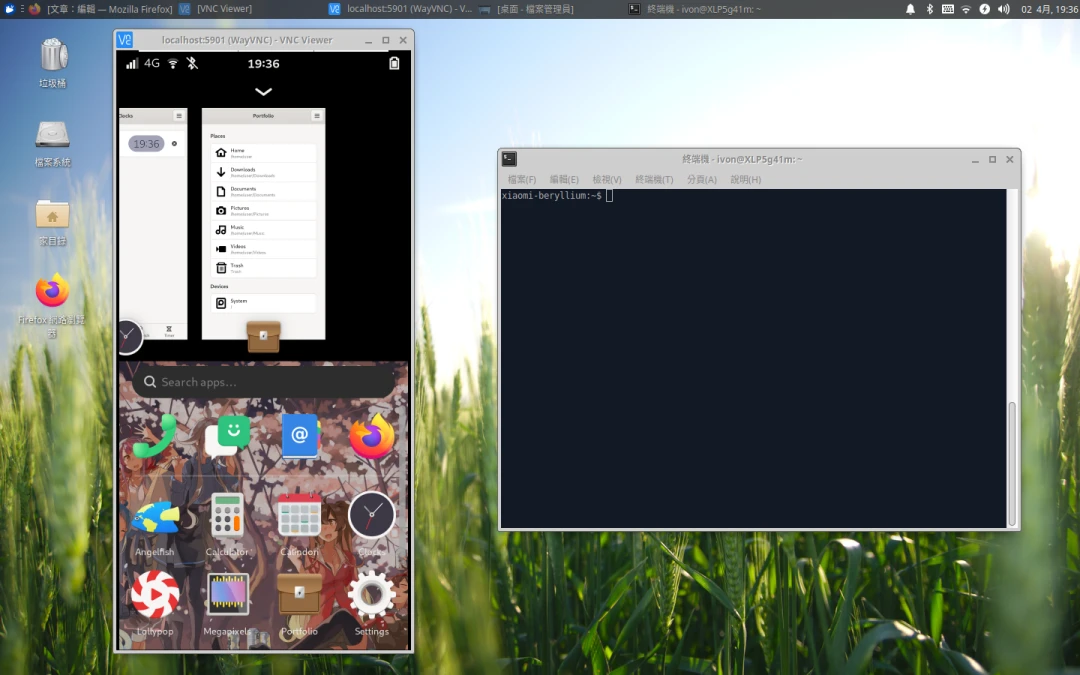
If the system supports installing a Display Manager, you can switch between multiple desktop environments from the login screen. For example: installing multiple desktop environments on postmarketOS
1. Phosh #
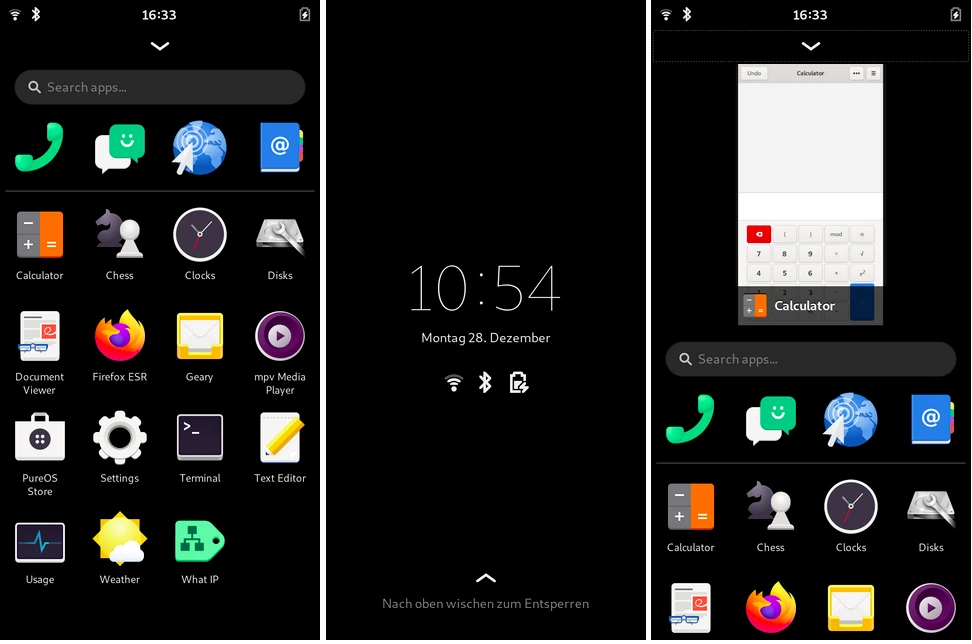
Source repository: World / Phosh / phosh - GitLab - GNOME
Led by Purism and shipped on its Librem 5 phone. It uses the GNOME stack, but its Wayland compositor is based on wlroots instead of Mutter.
The input method only supports the English Squeekboard, and the keyboard can be summoned globally.
Phosh also provides a scale-to-fit command that can force desktop applications to scale down for small screens.
When a phone is connected to an external monitor, Phosh transforms into a desktop mode with controls similar to desktop GNOME.
Although the feature set is simple, I personally think it is the most stable desktop environment here. Animations are smooth and response time is quick.
2. KDE Plasma Mobile #
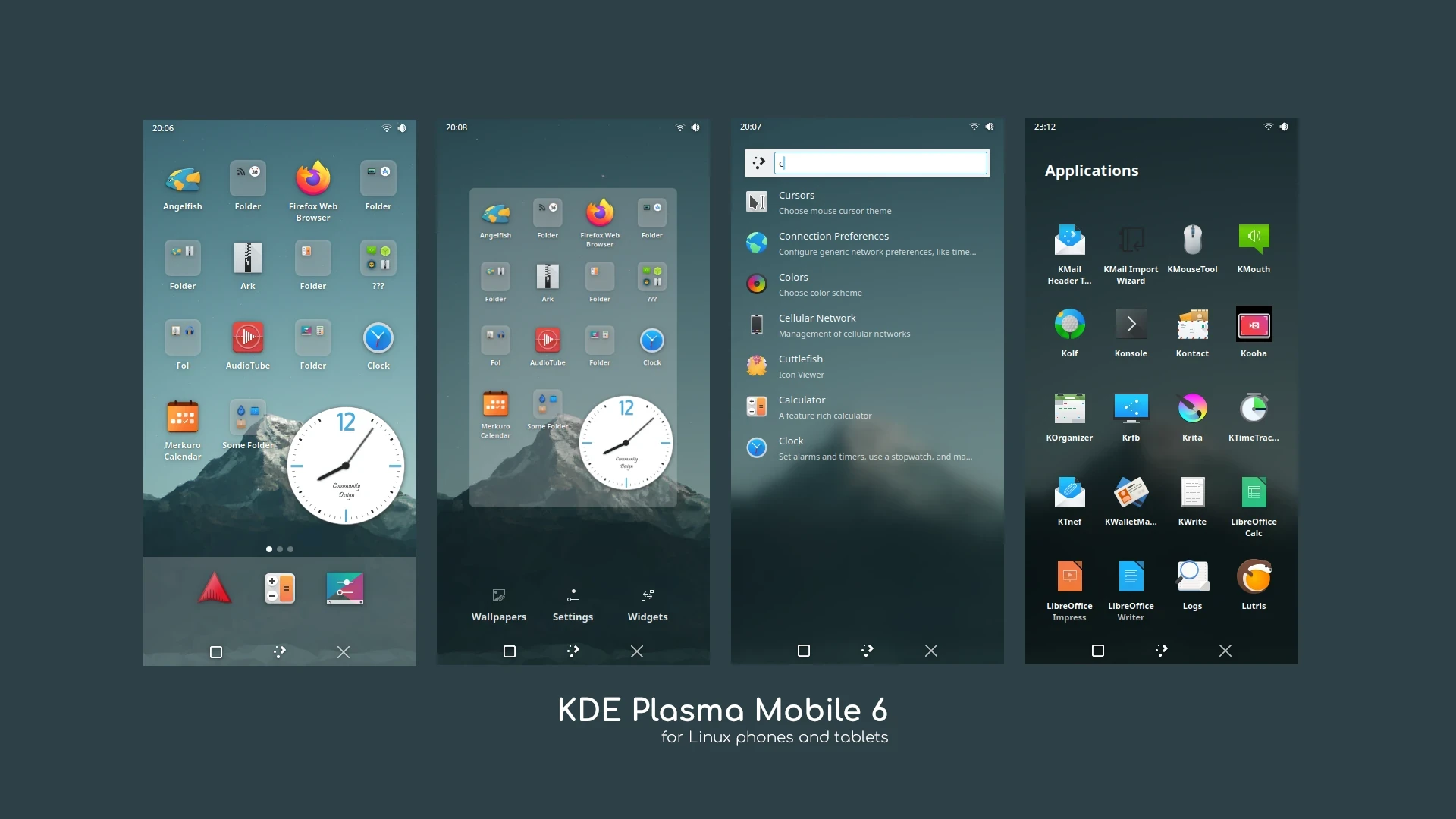
Source repository: Plasma / Plasma Mobile · GitLab
One of the KDE community’s projects, it redesigns KDE Plasama into a phone interface layout. Reportedly, it shares more than 70% of its code with the desktop version, and the Wayland compositor is of course Kwin.
It supports Chinese touch input through Maliit Keyboard. The KDE community has also developed a set of companion apps for phones.
The interface layout is closer to Android’s stock launcher. Although it inherits the desktop version’s high degree of customization, it is not particularly stable.
3. SXMO - Simple X Mobile #
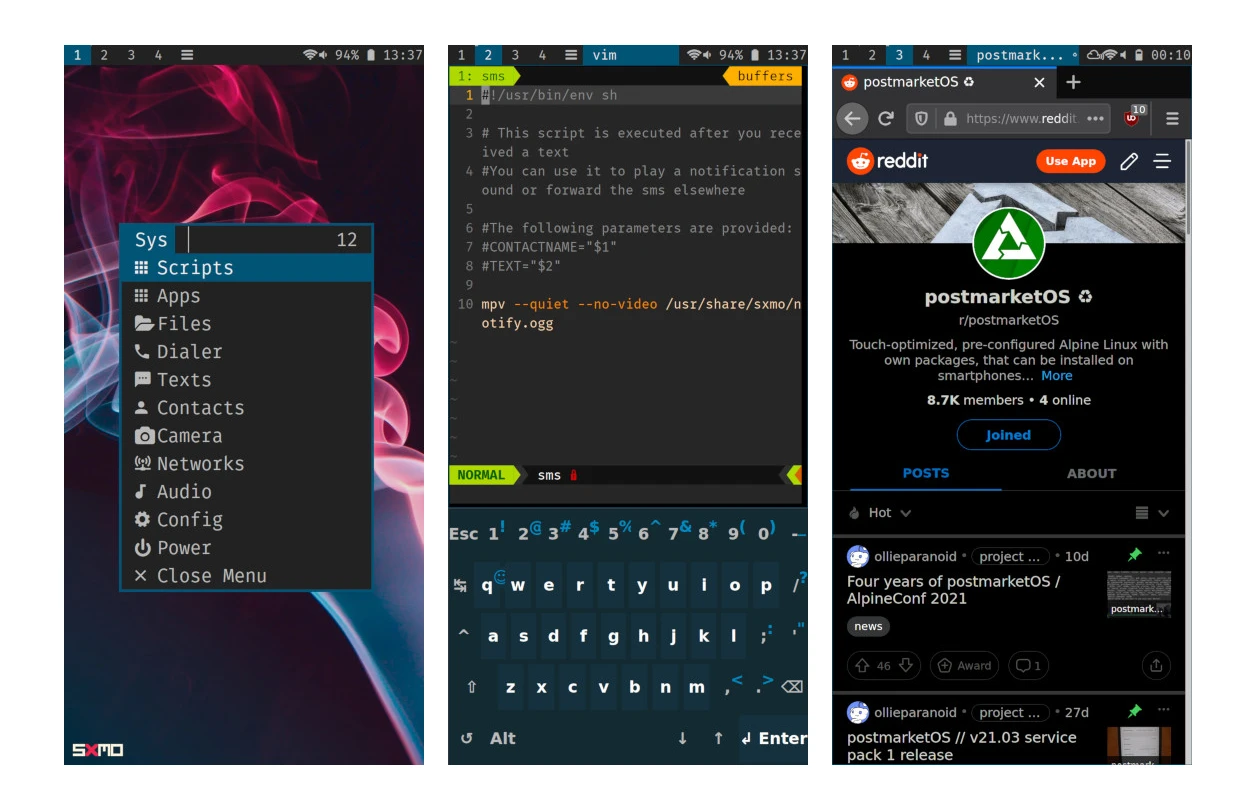
Source repository: Sxmo Source Repositories
This project brings the interaction model of dwm and Sway to phones, aiming to build the leanest and most customizable system possible.
Users can choose X or Wayland as the display protocol.
Here, SSH is a first-class citizen. It includes many configurable files so you can customize gestures and hardware button shortcuts to perform all kinds of operations. There is no Chinese touch input method.
It is not very intuitive to use. If you do not want to spend time configuring a pile of knobs, do not use this one.
4. GNOME Shell for Mobile #
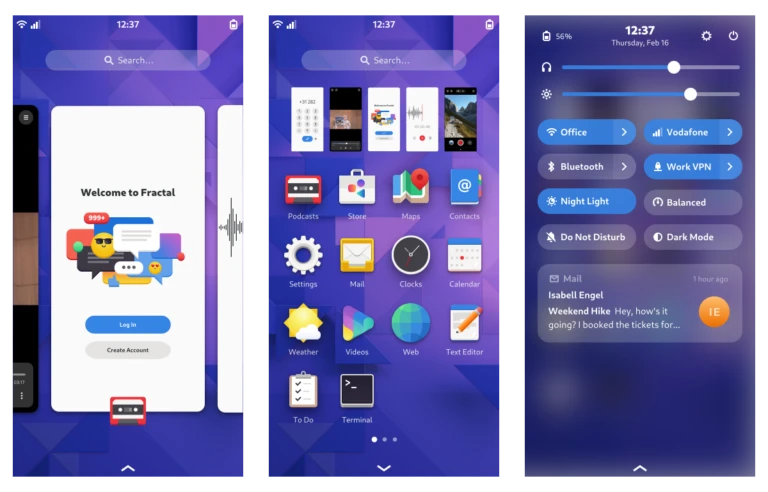
Source repository: Files · mobile-shell · Jonas Dreßler / gnome-shell - GitLab
This is not officially developed by GNOME. It is an experimental fork, and it uses Mutter as the compositor.
The controls are similar to Phosh, but it is closer to original GNOME than Phosh is.
5. Lomiri #
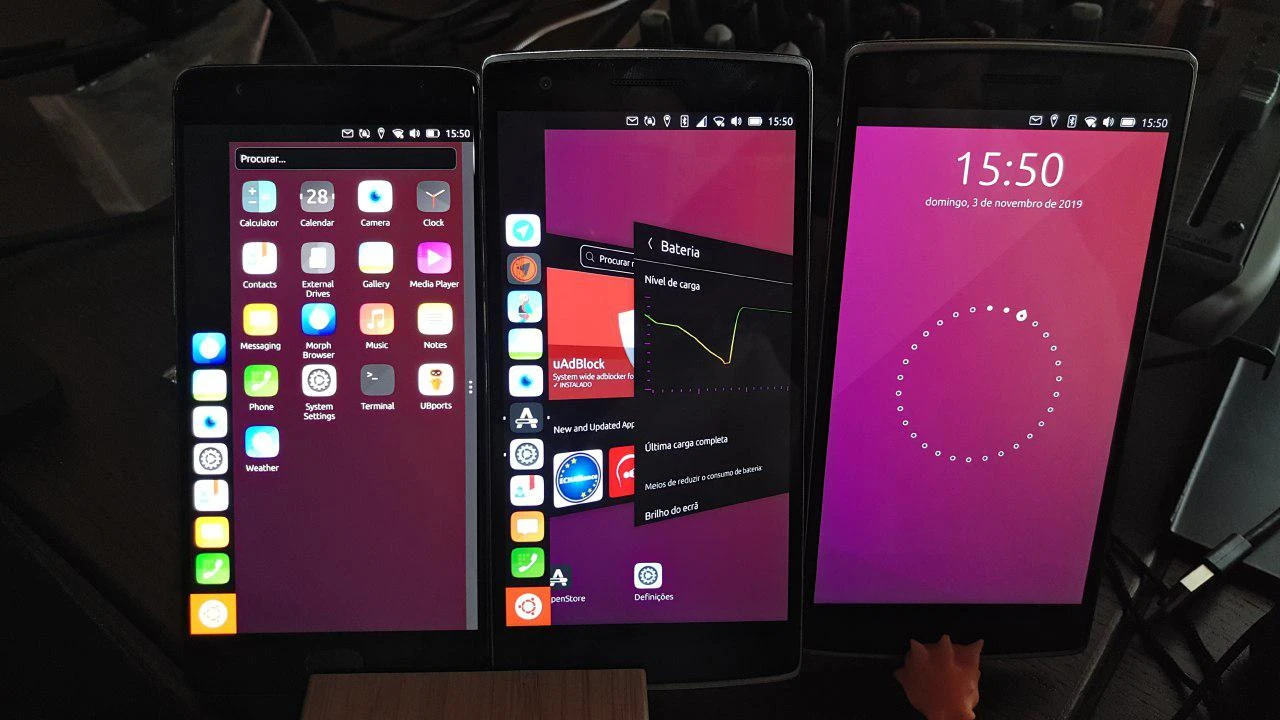
Source repository: UBports / Development / Core / lomiri - GitLab
Lomiri was formerly known as Unity 8, and it keeps the classic Ubuntu-style left-side taskbar design. Its Wayland compositor is Mir.
It used to be led by Canonical and is now maintained by the Ubports community. Although it is old, it has the most complete interface design of the bunch, with full Chinese localization support and a set of companion applications.
It was originally the UI exclusive to Ubuntu touch, but other Linux distros can use it now too.
It supports Chinese touch input through Maliit Keyboard.