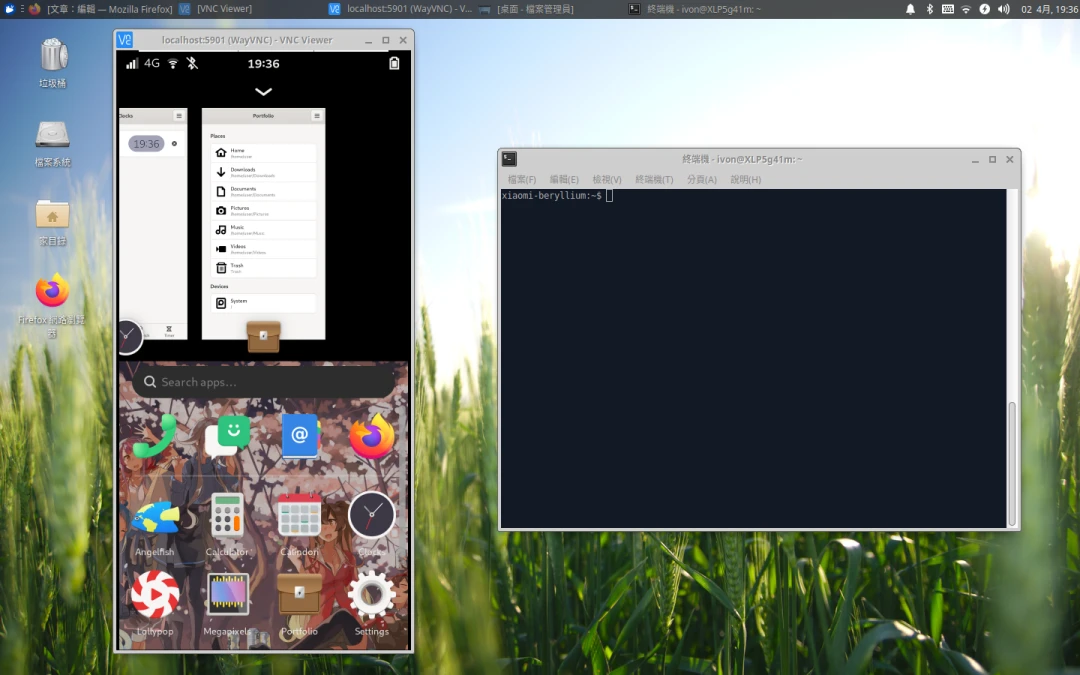
Waydroid can run Android apps on x86 Linux computers. If 3D graphics work properly on the host, Android games can run normally too.
It is even simpler on ARM. Most Linux phone processors use the ARM architecture, so there is no translation problem. That makes Waydroid a way to run Android apps on phones running Linux.
Watch this demo video:
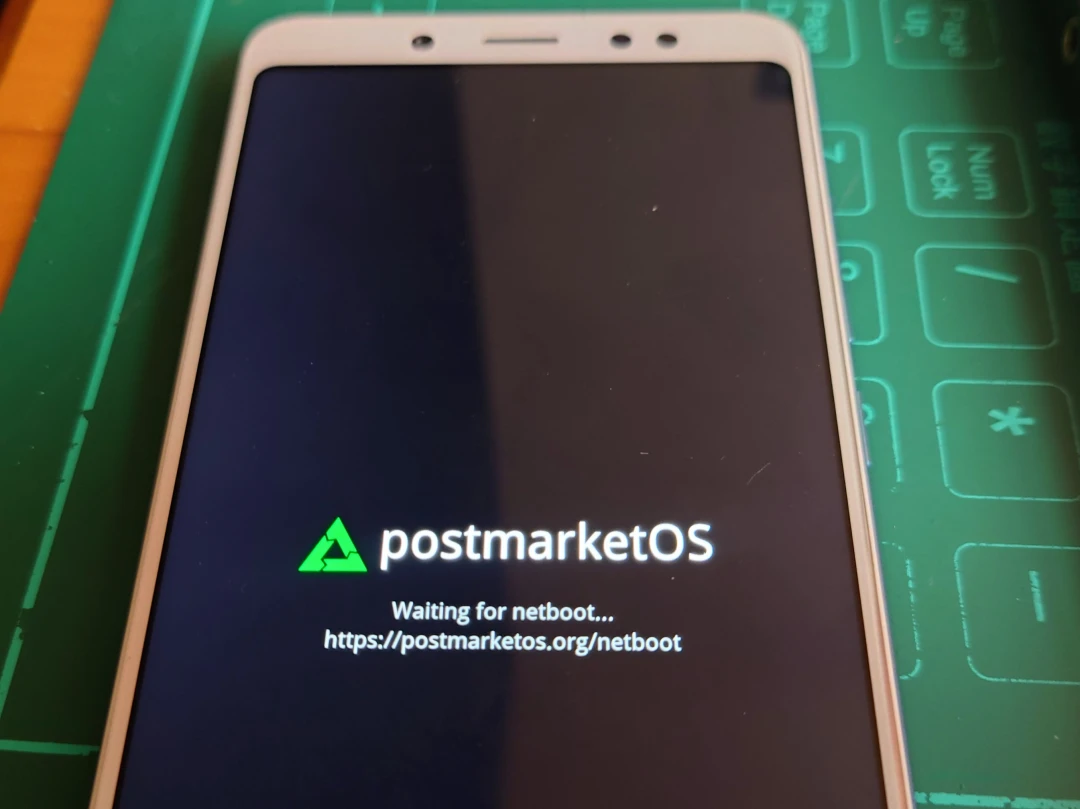
- System: postmarketOS
- Desktop environment: Phosh (display protocol: Wayland)
- Waydroid image version: LineageOS 18.1 (Android 11)
1. Install Waydroid #
- Run the following commands in order to install Waydroid on postmarketOS.
sudo apk add waydroid iptables dnsmasq
sudo rc-service cgroups start
sudo rc-update add cgroups
sudo rc-service waydroid-container start- Initialize Waydroid and download the Android 11 image.
sudo waydroid init -f -s GAPPS- Configure Waydroid to pass through the firewall at boot, automatically start the Waydroid container, then reboot.
sudo echo 'echo "ip route add default via 192.168.250.1" | sudo waydroid shell' >> /etc/local.d/waydroidnetwork.start
sudo chmod +x etc/local.d/waydroidnetwork.start
sudo rc-update add local

sudo rc-update add waydroid-container
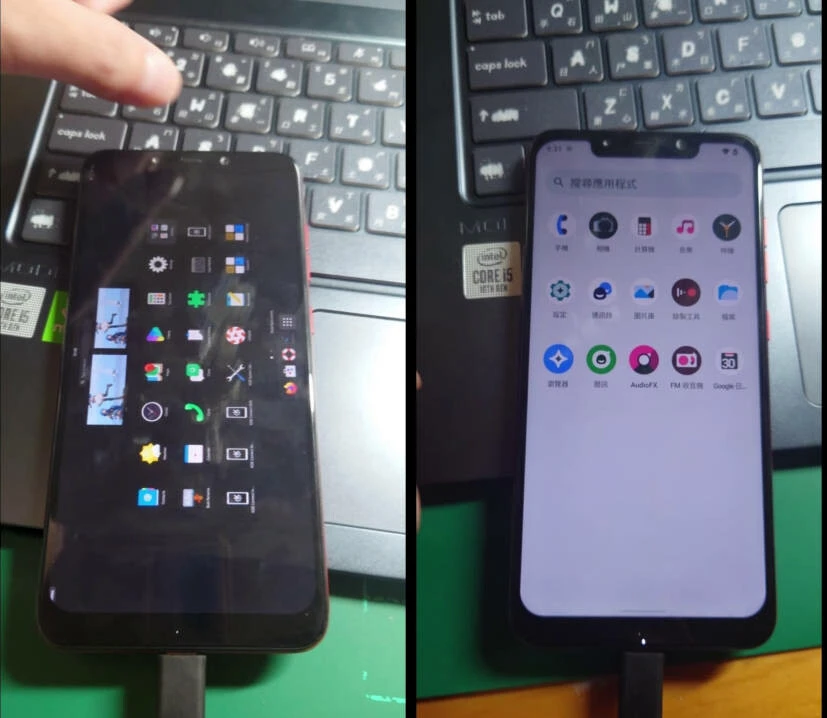
sudo reboot- Tap the Waydroid icon on the desktop to enter the home screen. Android app icons will then appear on the Linux desktop, as shown below.

2. How Waydroid Behaves #
-
After confirming Waydroid has started, tap an app icon on the Linux desktop to open an Android app, such as Calculator.
-
But if you tap Android’s Home button at this point, it jumps straight back to the Linux desktop.
-
If you want the “this feels like using an Android phone” mode, tap the “Waydroid” icon. That opens the Android desktop. Or show it with this command:
waydroid show-full-ui- If Waydroid’s 3D graphics work properly, you can even play games. The Google framework is already built in; you only need to use this script to certify the device.
- To “shut down” Waydroid, just stop the service:
sudo rc-service waydroid-container stop3. Other Small Issues #
How to keep Android app icons from appearing on the Linux desktop #
Waydroid’s Android app icons are in ~/.local/share/applications/, and they all start with “waydroid”.
Use the following command to delete the desktop icons, but the next time Waydroid starts, these icons will grow back. Like weeds, but with .desktop files.
rm ~/.local/share/applications/waydroid.*The Android desktop layout breaks after tapping the Waydroid icon #
Symptom: when the Linux desktop environment is Phosh, sometimes tapping the Waydroid icon makes the desktop split in half, and sometimes the size is just wrong.
Possible fix: reboot the phone.
Waydroid still has no network after startup #
After opening an Android app, manually run the following command in the terminal:
echo "ip route add default via 192.168.250.1" | sudo waydroid shell
# Or use this instead
sudo apk add waydroid-nftables
Unable to adjust volume #
The phone’s physical buttons cannot control the volume inside the Android container, so you need to install another app for volume control.
Also, Waydroid occasionally has audio sync issues.