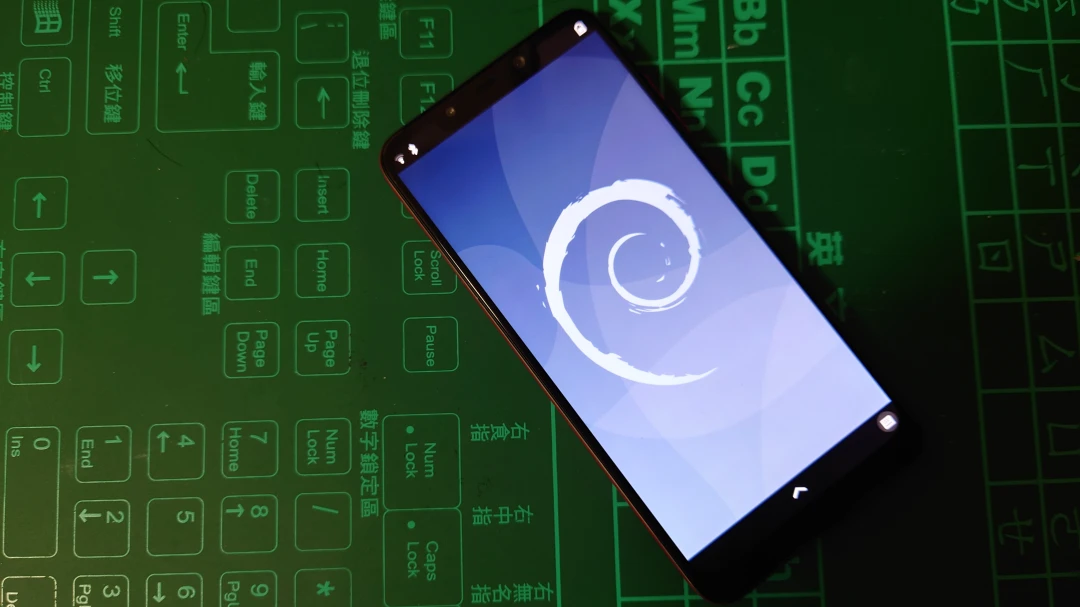
Flash an Android phone into Debian.
1. Introduction to Droidian #
Droidian is a mobile operating system based on Debian Testing. Its goal is to turn Android phones into Debian Linux devices. You could call it Mobian for Android phones.
Mobian is a Debian-based system built for mobile devices. It only supports open hardware from Pine64 and Purism, plus a small number of Android phones. At minimum, the target device needs to be Linux-friendly. Droidian takes a different approach from Mobian. It is more like Ubuntu Touch: mainly focused on Android phone ports, using Halium and libhybris to stitch Android bionic and Linux glibc C libraries together, lowering the difficulty of porting. The Droidian website also has detailed porting documentation.
However, the Linux kernel version used by Droidian is usually not far from the stock Android kernel. Running the latest mainline Linux kernel is not their goal; running Linux at all is enough. If you care about mainline kernels, consider Mobian or postmarketOS instead. The latter has also ported quite a few Android devices.
Droidian keeps Mobian’s ability to freely install packages. The system is not read-only either, so users can freely install desktop environments instead of being tied to Lomiri like on Ubuntu Touch.
Droidian also provides Android GSI images, which lowers the barrier to entry. If an Android phone supports GSI, then in the best case you only need to rebuild the kernel, meaning the boot.img part, and pair it with the Droidian GSI system image to flash Linux onto the Android phone.
2. Install Droidian #
See the supported device list on the Droidian website.
My Xiaomi Pocophone F1 has an unofficial port on XDA. Support is not bad; most functions work, and it can even make calls. But note that the Pocophone F1 already has Mobian support, so there is no special reason to install Droidian.
That also seems to be why TioCareca, the Droidian developer for the Poco F1, stopped maintaining it. This test is just for experimentation. Be careful to download the matching versions of the files. Do not randomly try newer Droidian rootfs builds unless you enjoy debugging your own choices.
-
Refer to the XDA post and download boot.img, vendor.img, and android-recovery-beryllium-adaptation_20220517.zip.
-
Download droidian-rootfs-api28gsi-arm64_20211127.zip and
droidian-devtools-arm64_20211127.zip. -
Download the stock MIUI firmware fw_beryllium_miui_POCOF1Global_9.6.27_6673f8a455_9.0.zip.
-
Hold the power button and volume-down button, then download TWRP for the Poco F1 and flash it.
fastboot flash recovery twrp-3.7.0_9-0-beryllium.img-
Hold the power button and volume-up button to reboot into TWRP, tap Wipe and Format data, then reboot back into TWRP.
-
Flash
boot.imgandvendor.img. If that does not work, flash them with fastboot commands. -
Flash
fw_beryllium_miui_POCOF1Global_9.6.27_6673f8a455_9.0.zip,droidian-rootfs-api28gsi-arm64_20211127.zip,droidian-devtools-arm64_20211127.zip, andandroid-recovery-beryllium-adaptation_20220517.zip. If that does not work, useadb sideload.
3. Boot and use it #
The default password is 1234. Basic usage is no different from Mobian/Debian.
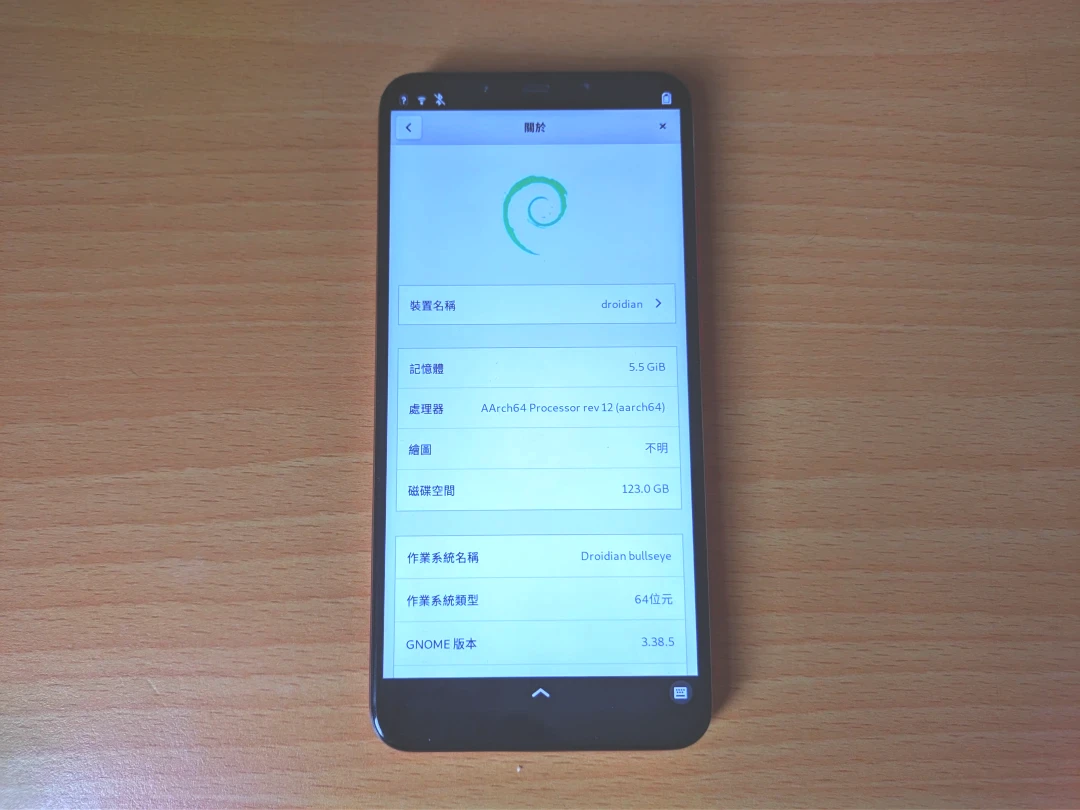
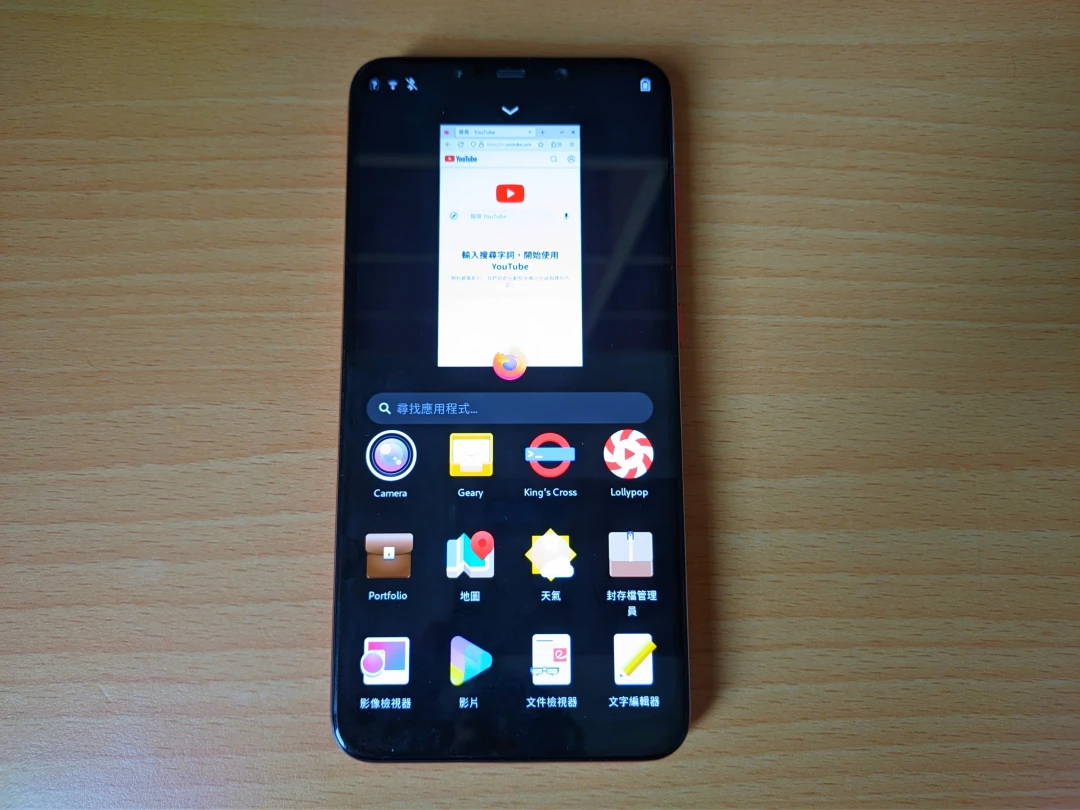
The default interface is an older version of Phosh, and it supports a Chinese UI. However, the graphics driver seems incomplete, and WebGL does not work.
Because it is based on an older Debian, the system is Debian 10 Bullseye. Maybe it could be upgraded to Debian 13 Trixie by changing the APT repositories, but then you have to deal with expired repository keys.
The uname command confirms that the kernel is still the stock Android Linux 4.9.2 version, far behind current Linux 6.0. Judging from how Droidian works, it cannot be upgraded.
Since the system cannot be updated to a newer Debian, this device is not especially useful here. Flashing a newer Mobian build is probably the better move.
If you flashed droidian-devtools, it enables SSH for you. Just plug the phone into the computer, then log in with the following IP:
ssh droidian@10.15.19.82