You will go somewhere so far away that we can never meet again. And yet everyone in the world will forget it ever happened, leaving me as the only person who still remembers Arch-chan… Even though I am lonely, even though I am sad, no one will understand how I feel… Eventually, I may no longer be able to believe in myself that my memories of Arch-chan were not just a fantasy I made up.
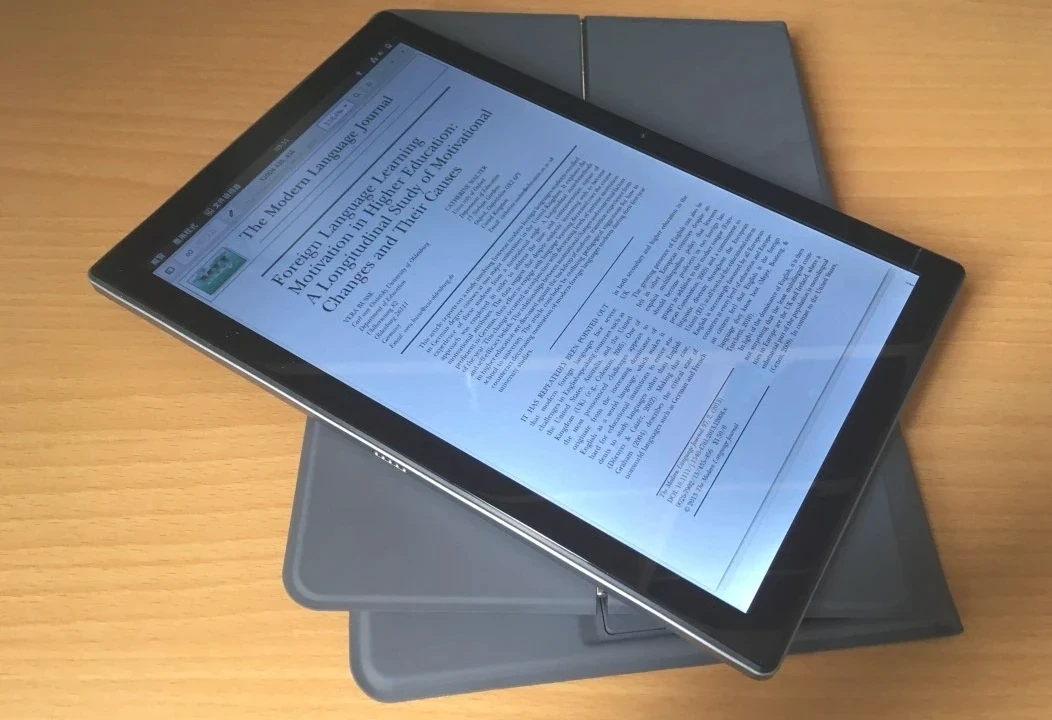
The PineTab 2 ships with KDE. I switched it to GNOME. After using it for three months, I realized that mixing GNOME and KDE apps together was a mess.
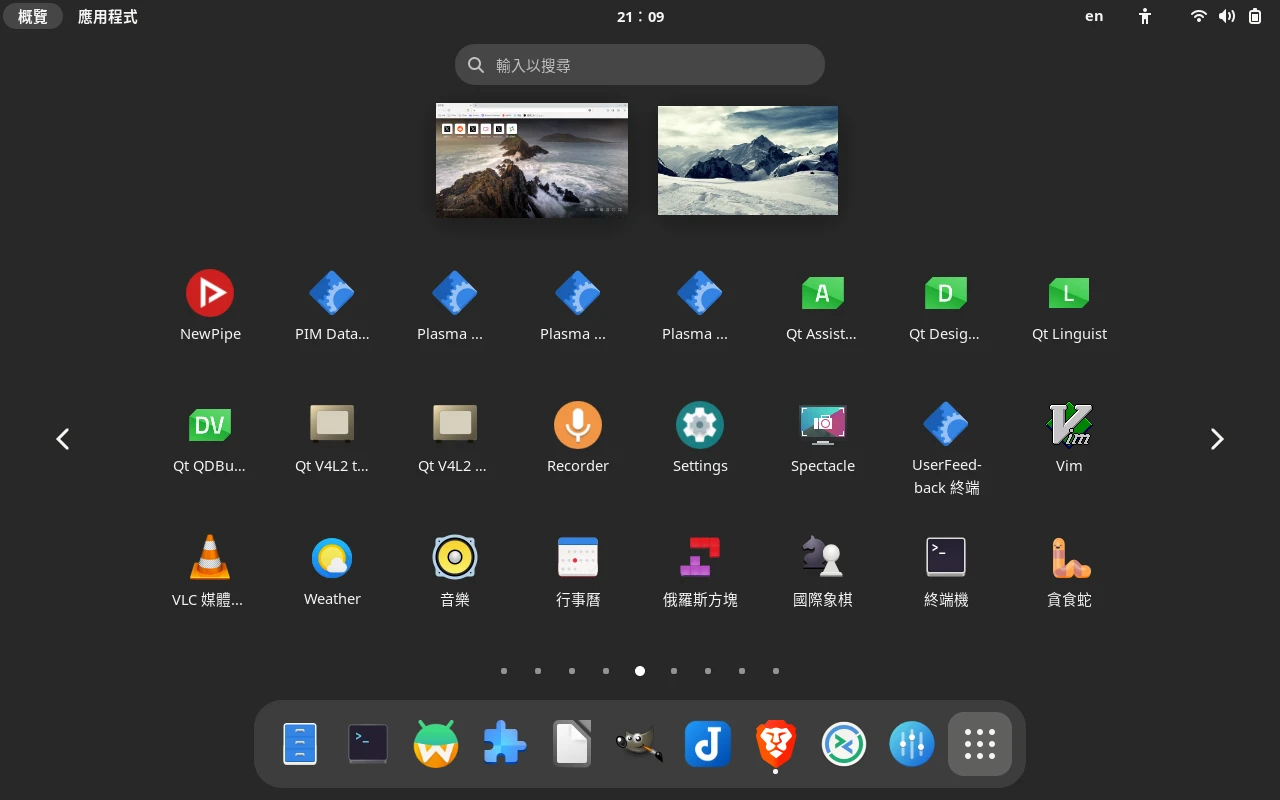
The KDE package dependencies were too tangled to cleanly remove with pacman, so for a cleaner GNOME environment I decided to reinstall the system.
The Arch Linux ARM image for the PineTab 2 has finally landed in the dreemurrs-embedded/Pine64-Arch GitHub repository! This means system images should be updated regularly going forward. Besides the factory KDE build, it also provides a barebone version with basically nothing installed. Exactly what I wanted.
Other Linux distros that currently support the PineTab 2 include Manjaro, Ubuntu touch, postmarketOS, Rhino Linux, Mobian, and NixOS. The installation process is mostly the same.
1. How to Install a New System #
According to the PineTab 2 Wiki, the PineTab 2 tries to boot from the SD card first. So I can install one system on the eMMC and another on the SD card to get dual boot.
But what if I want to install the system to the faster eMMC? The PineTab 2 does not have Tow-boot yet, so it cannot expose its internal storage to a computer.
So we have to take the scenic route: boot a system from the SD card, then use that SD card system to dd the system image into the eMMC partition.
2. Write the Distro Image to the SD Card #
-
I chose the Phosh edition of Mobian.
-
Find the SD card partition and unmount it.
lsblk
sudo umount /run/media/user/SDCARD- Decompress the image and use
ddto write it to the SD card.
xz --decompress mobian-pinetab2-phosh-20231008.img.xz
sudo dd if=mobian-pinetab2-phosh-20231008.img of=/dev/sdc bs=1M status=progress conv=fsync
3. Install the System to eMMC #
-
Insert the SD card into the PineTab 2 and boot it.
-
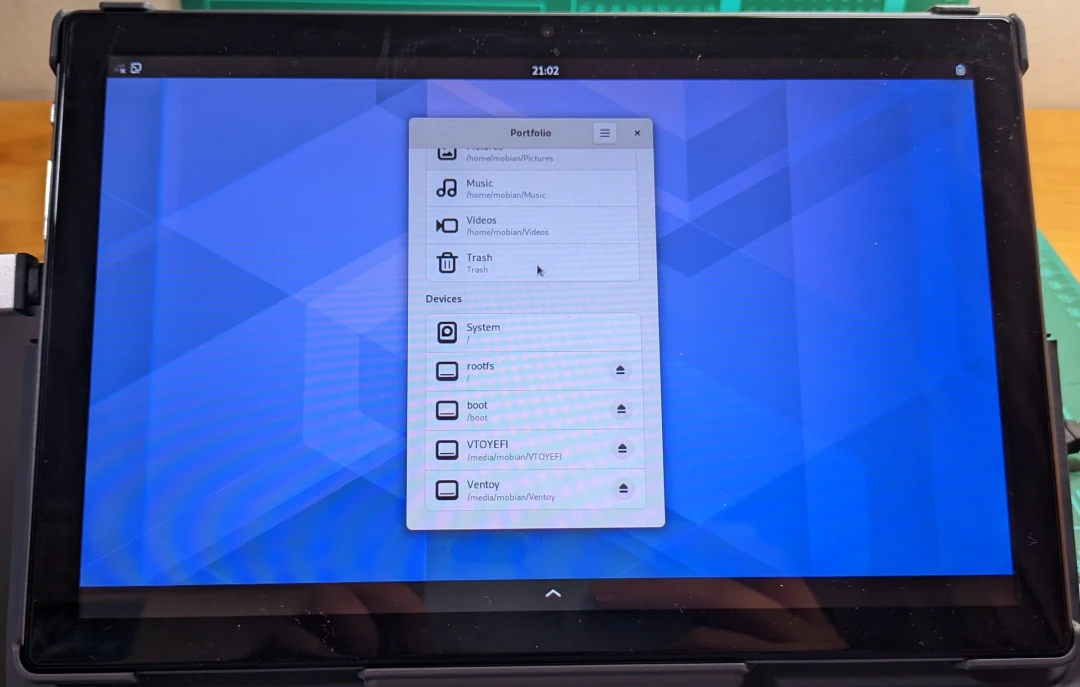
Hm, Phosh actually feels pretty smooth, even on weak hardware like the PineTab 2. But Phosh is still GNOME with a few limbs missing: good for phones, not great for tablets, and awkward when switching between touch and keyboard modes.
-
Use Firefox in Mobian to download the Arch Linux ARM barebone image. If you have no network, transfer it with a USB drive.
-
Decompress the image.
xz --decompress archlinux-pinetab2-barebone-20230925.img.xz-
Next, use
lsblkto find the eMMC partition. The largest one, the 128GB partition namedmmcblk1, is the target.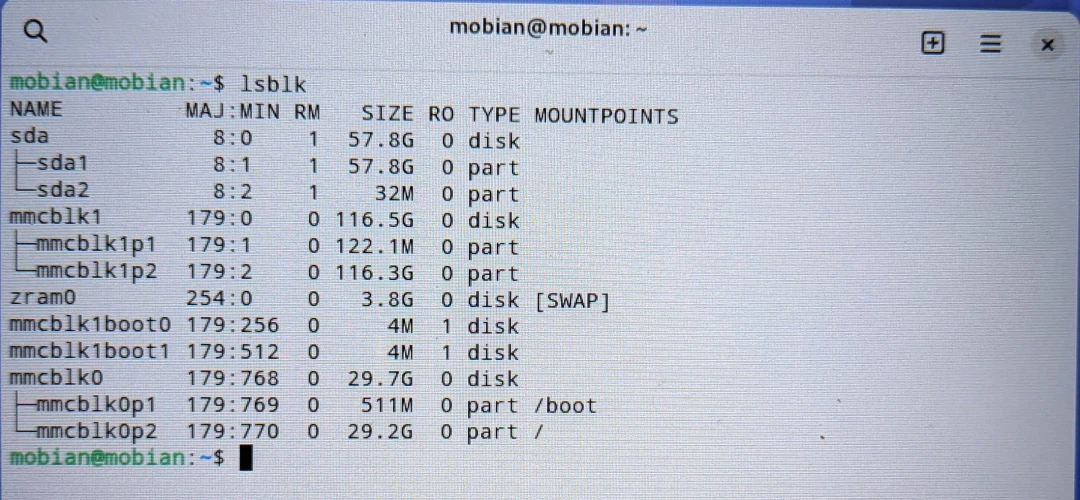
-
Write the image to it.
sudo dd if=archlinux-pinetab2-barebone-20230925.img of=/dev/mmcblk1 bs=1M status=progress conv=fsync- Shut down and remove the SD card.
3. Install the GNOME Desktop on Arch Linux #
For configuration, refer to my earlier review.
After booting the barebone image, there is basically nothing. It drops straight into tty.
Well, not literally nothing. It already has an alarm account; there just is no graphical interface.
-
Log in with the default username and password: alarm, 123456.
-
Connect the Wi-Fi adapter, load the MT7601 kernel module, bring the adapter online, and connect to Wi-Fi.
sudo modprobe mt7601
sudo ip link
sudo ip link set wlu1 up
sudo nmcli device wifi list
sudo nmcli dev wifi connect "SSID" password "Wifi password"
sudo nmcli device set wlu1 autoconnect yes- Update the system.
sudo pacman -Syu- Edit
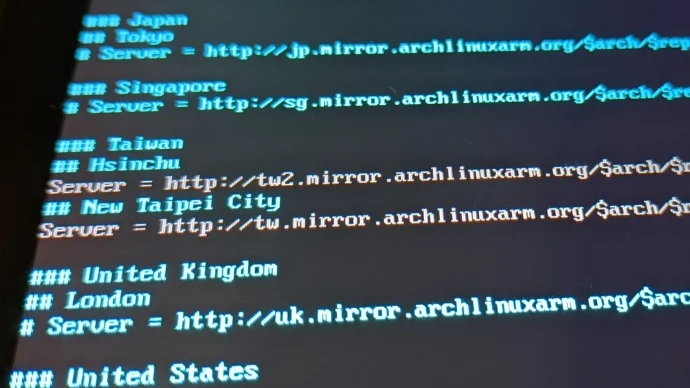
/etc/pacman.d/mirrorlistwith vi and uncomment mirrors in Taiwan.
vi /etc/pacman.d/mirrorlist
sudo pacman -Syy- Install these packages:
sudo pacman -S gnome gnome-extra noto-fonts-cjk
sudo systemctl enable gdm- Set the time zone.
sudo ln -sf /usr/share/zoneinfo/Asia/Taipei /etc/localtime
sudo hwclock --systohc- Configure Traditional Chinese.
vi /etc/locale.gen
locale-gen
echo "LANG=zh_TW.UTF-8 UTF-8" >> /etc/locale.conf- Change the password.
sudo passwd alarmThen reboot. After that, finish setting up Fcitx5, YAY, UFW, Flatpak, and Waydroid.
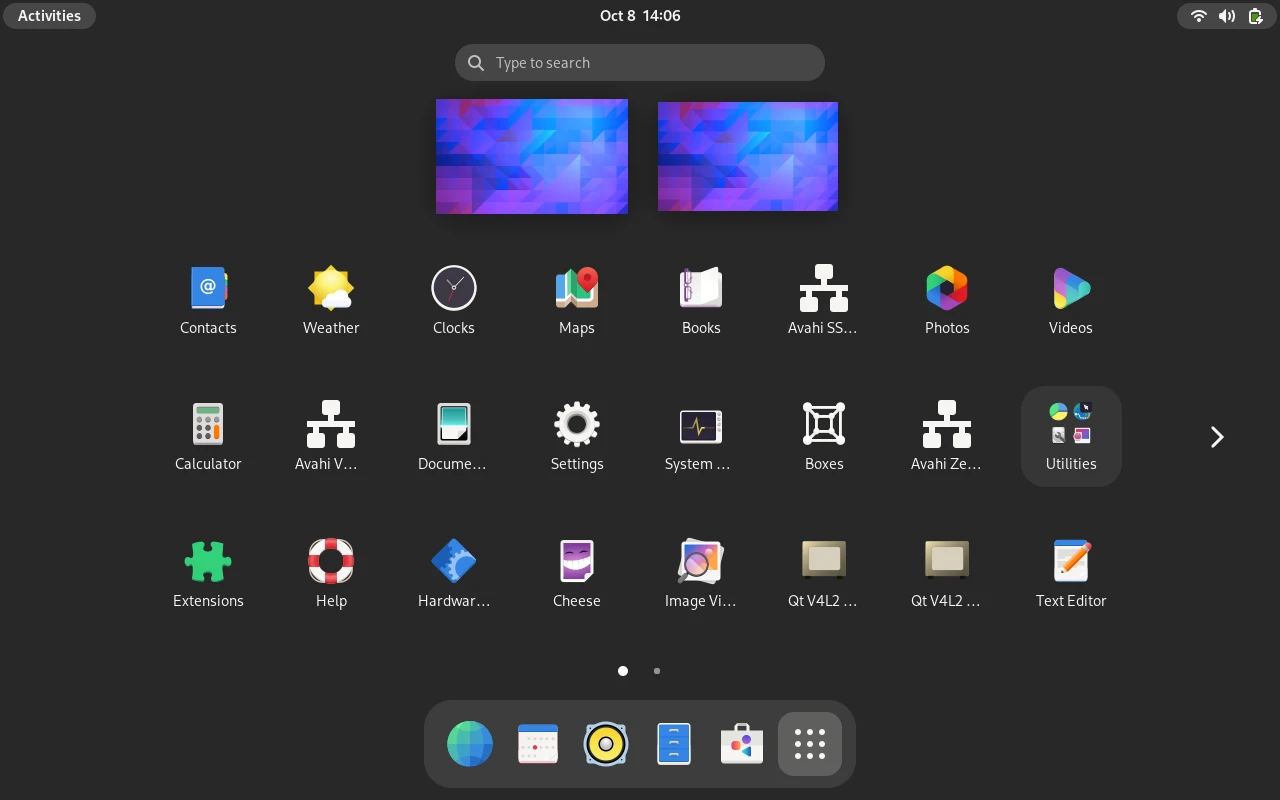
Ah, the lean GNOME system appears. The animations seem smoother too. (They are not.)
You will go somewhere so far away that we can never meet again, and no one in this world will remember that you existed. I will be left as the only person who still has memories of you. Loneliness, sadness, none of it can be understood by anyone. Eventually, even I may no longer be able to believe that my memories with Arch-chan were not just something I made up myself.
Goodbye, old Arch Linux. Hello, new Arch Linux.