Looking for a map navigation app for Linux devices? Try Pure Maps.

Pure Maps is a navigation app made by the Estonian developer rinigus. Like GNOME Maps, it uses OpenStreetMap map data, but it has more complete features, an interface better suited for phones, and acceptable Chinese support.
The original author designed it for SailfishOS, but it can also be used on other phone Linux systems such as postmarketOS, Ubuntu touch, and Mobian.
The map mainly relies on GPS navigation, so the Linux device must have a 4G module to use it. In my testing, PinePhone, Librem 5, and Poco F1 can all use PureMaps.
Pure Maps also supports OSM Scout Server offline maps.
1. Test GPS Positioning on Linux #
PureMaps supports multiple positioning methods. Even without GPS from a 4G module, it can use Mozilla MLS Wi-Fi positioning, but the offset can be pretty bad, so just use GPS.
On the hardware side, the phone’s Wi-Fi and GPS need to work properly. For example, the PinePhone provides GNSS, Wi-Fi, and a magnetometer to assist positioning. Usually, a phone’s GPS only starts working after a SIM card is inserted.
- Many Linux systems have the ModemManager service, and its mmcli tool can be used to test GPS signals. First enable the service:
sudo mmcli -m any --location-enable-gps-nmea

sudo mmcli -m any --location-enable-gps-raw- Try to get the current location:
sudo mmcli -m any --location-get-
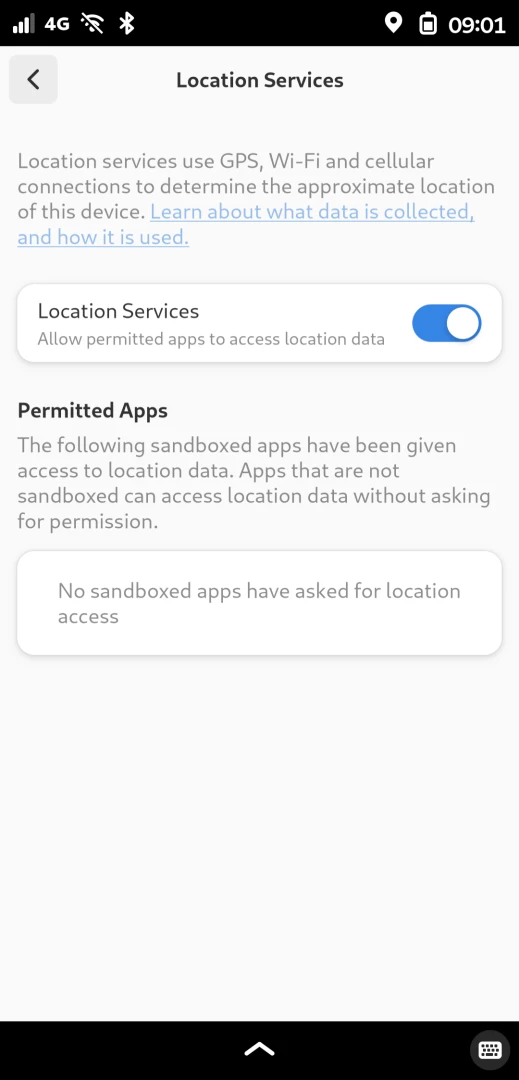
If you are using a GNOME-family desktop, go to System Settings, then Privacy, and allow apps to access GPS services.
-
Some apps rely on the GeoClue service to get location information. Install it with the native package manager:
# Mobian
sudo apt install geoclue
sudo systemctl enable geoclue

# postmarketOS
sudo apk add geoclue
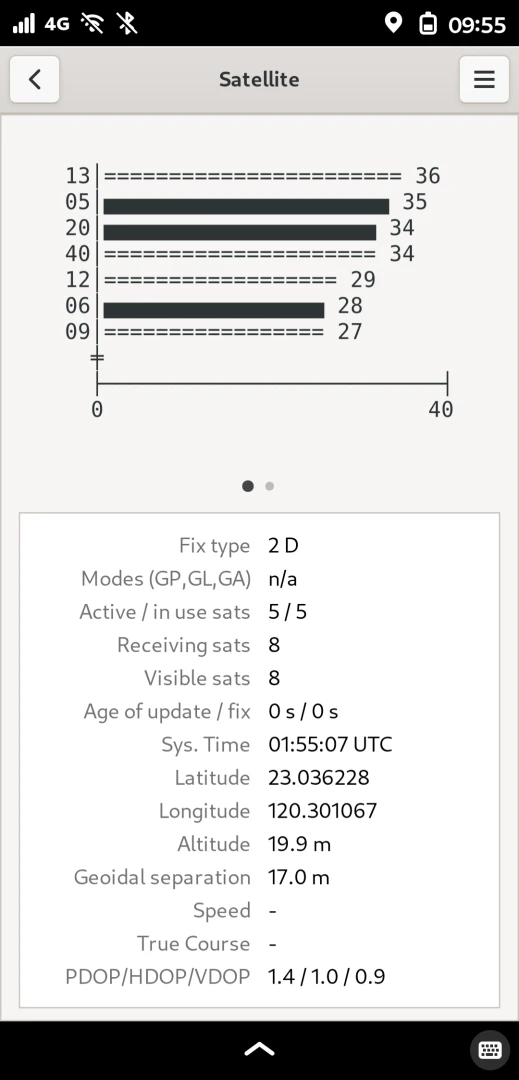
/usr/libexec/geoclue-2.0/demos/agent &- Install another app, Satellite, to test GPS signals. This app shows satellite status when other apps are using GPS.
2. Install Pure Maps #
Pure Maps is available through Flathub and supports x86 and ARM architectures.
- First set up the Flatpak repository, then install it from Flatpak.
flatpak install flathub io.github.rinigus.PureMaps-
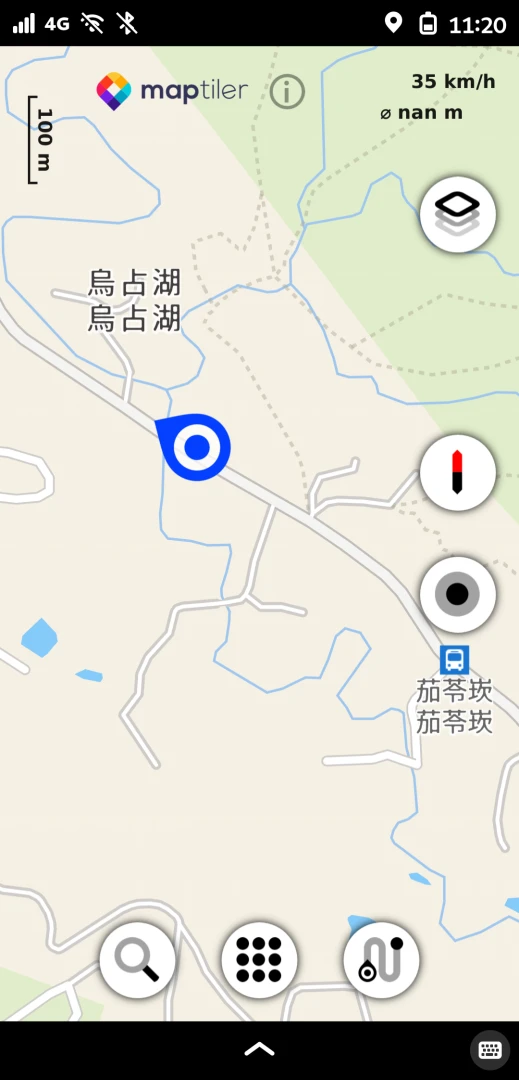
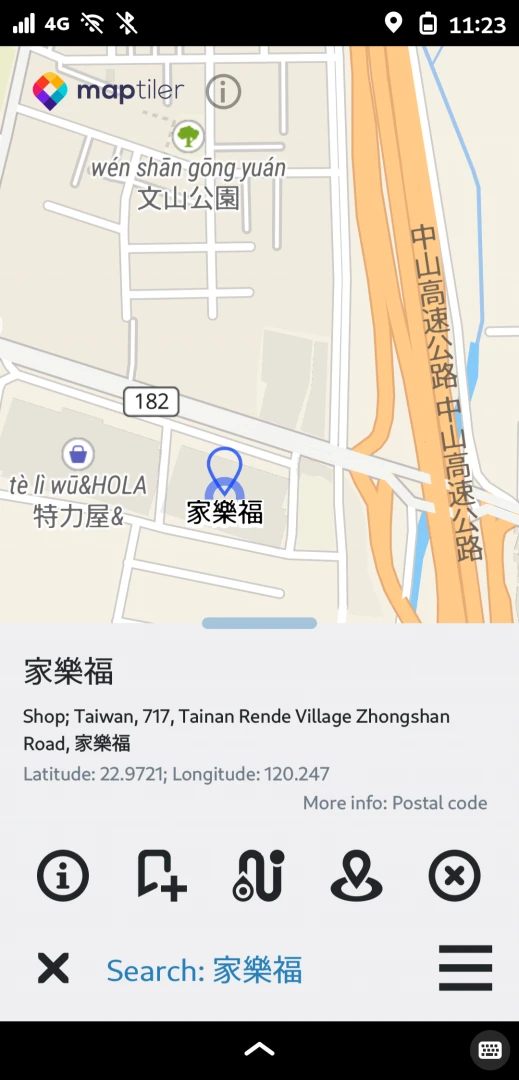
Pure Maps has multiple map data sources to choose from. The default MapTiles is already good enough, and most Chinese addresses can be displayed.
-
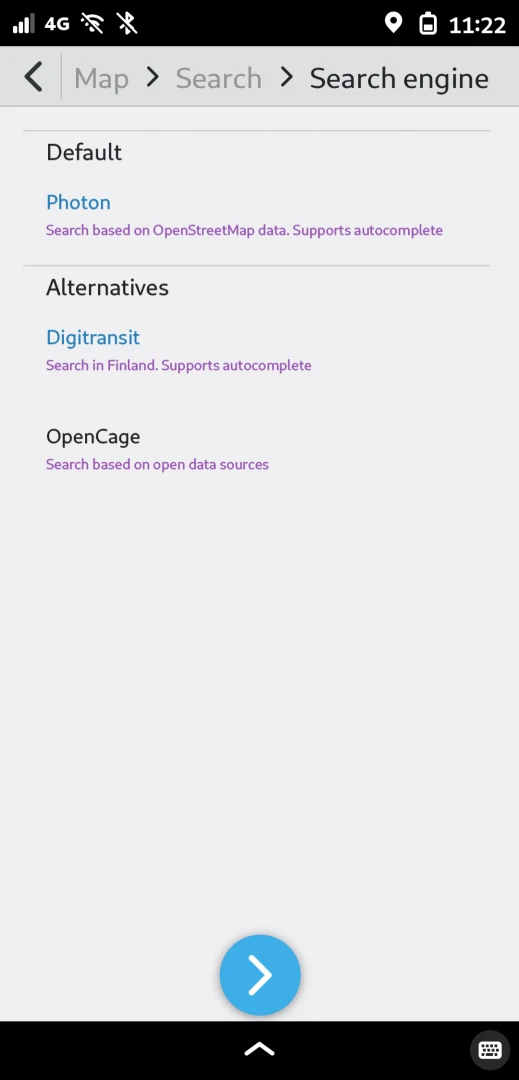
To search for navigation destinations, tap the upper-right corner to switch the search service provider, then switch to OpenCage, which has better Chinese search support.
-
Although the searched addresses come out in English, the locations are mostly correct, and navigation to the destination works. Text-to-speech is English only.


3. Configure Offline Maps with OSM Scout Server #
This service can provide offline map data to Pure Maps, and it has better Chinese support when searching addresses.
- Install OSM Scout Server with Flatpak.
flatpak install flathub io.github.rinigus.OSMScoutServer-
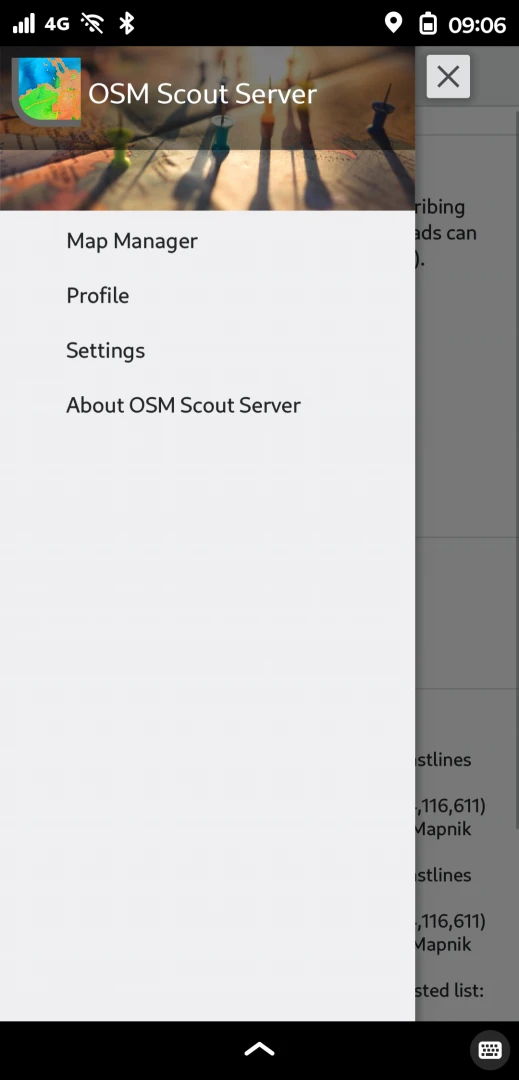
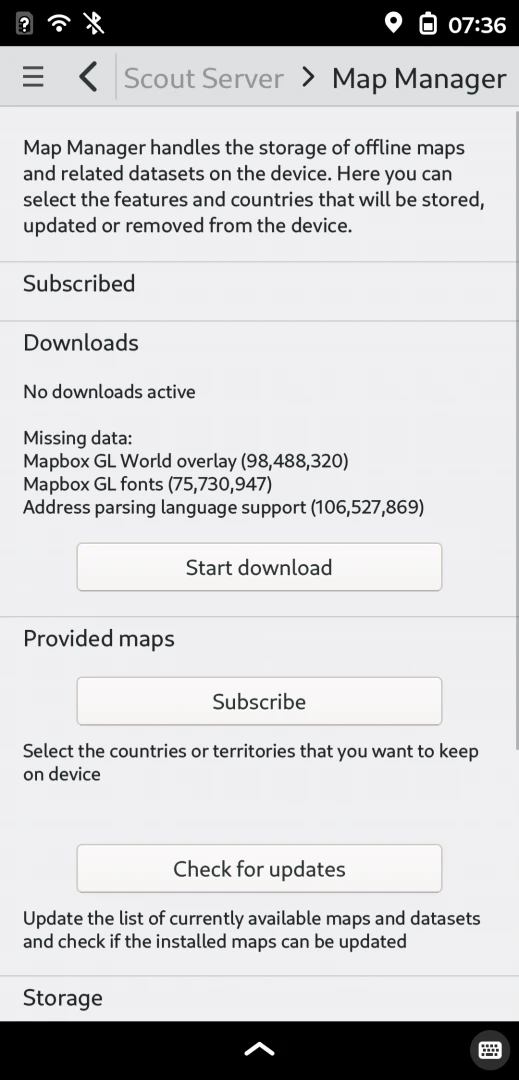
Open the app, choose the default Profile, and download the required files from Map Manager in the left menu.
-
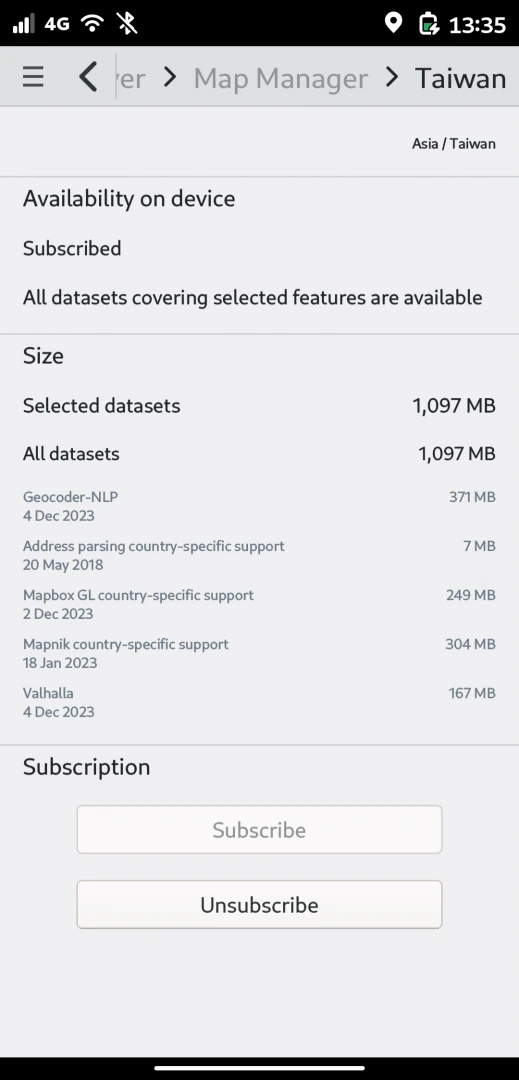
Then click Provided Maps -> Subscribe, and select the Taiwan map to download.
-
Open Pure Maps and select Offline mode. It will then switch to loading maps from OSM Scout Server.
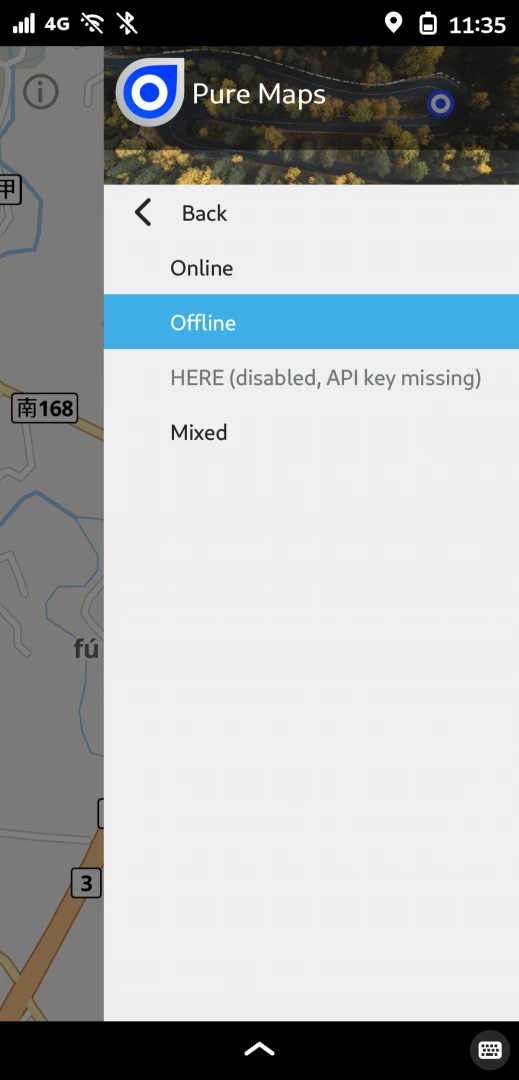
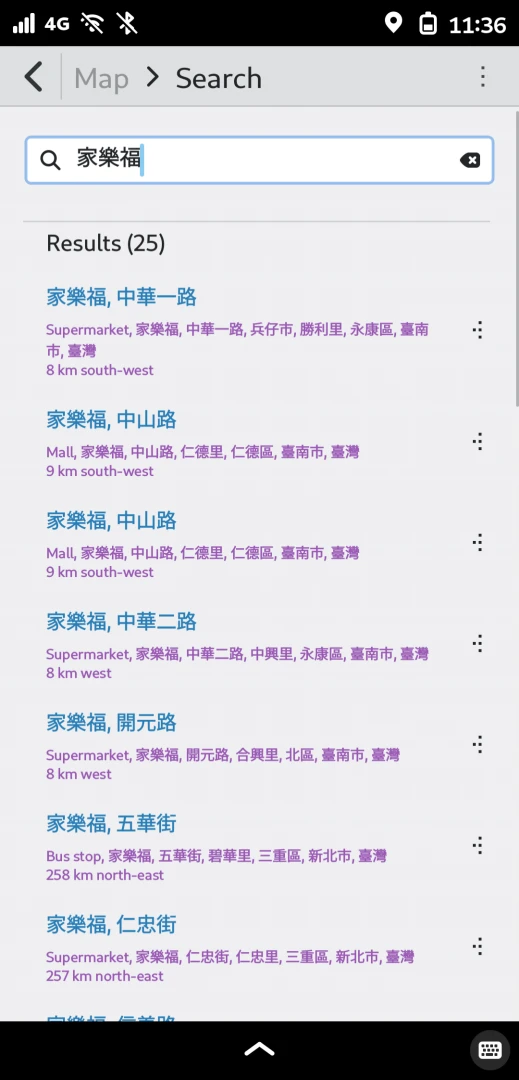
-
When Pure Maps sends a search request, OSM Scout Server should show a message.