Remotely control your Linux from Android with a mobile-friendly UI.
Computer screens are horizontal. Phone screens are vertical. Remote control is awkward. I want to scroll my computer while scrolling my phone.
Someone on Reddit tried a similar idea: Win10 Remote Desktop + tablet mode = poor man’s Windows Phone… great over LAN. They used Windows 10 tablet mode to turn the computer into a Windows Phone-style interface over remote desktop.
This concept is a bit convoluted. Fine, let’s call it “turning a computer into a cloud phone.”
The goal is to make the remote desktop experience on a phone less painful.
Overview #
In recent years, Linux mobile operating systems such as postmarketOS and Mobian have appeared one after another. Along with the PinePhone’s release, the Linux community developed corresponding phone interfaces such as Phosh, Plasma Mobile, and SXMO. Linux now also has many programs optimized for touchscreens.
The Linux UI that best fits both computers and phones might be GNOME. Unfortunately, it still does not handle dynamic resolution switching well, so let’s use a dedicated UI instead.
The current candidates are “Phosh” and “Plasma Mobile”. Since I use Plasma as my main desktop, I chose the latter.
Linux can install multiple desktop environments. As long as we install both Plasma and Plasma Mobile, we can switch between phone and desktop Linux interfaces.
For remote desktop software, I chose Weylus, which supports Wayland and touch gestures.
Option 1: Plasma Mobile #
- On Arch Linux, Plasma Mobile has to be installed from the AUR:
yay -S plasma-mobile-
Reboot, then select Plasma Mobile (Wayland) in SDDM.
-
Start the remote desktop software Welyus and enable Wayland support.
-
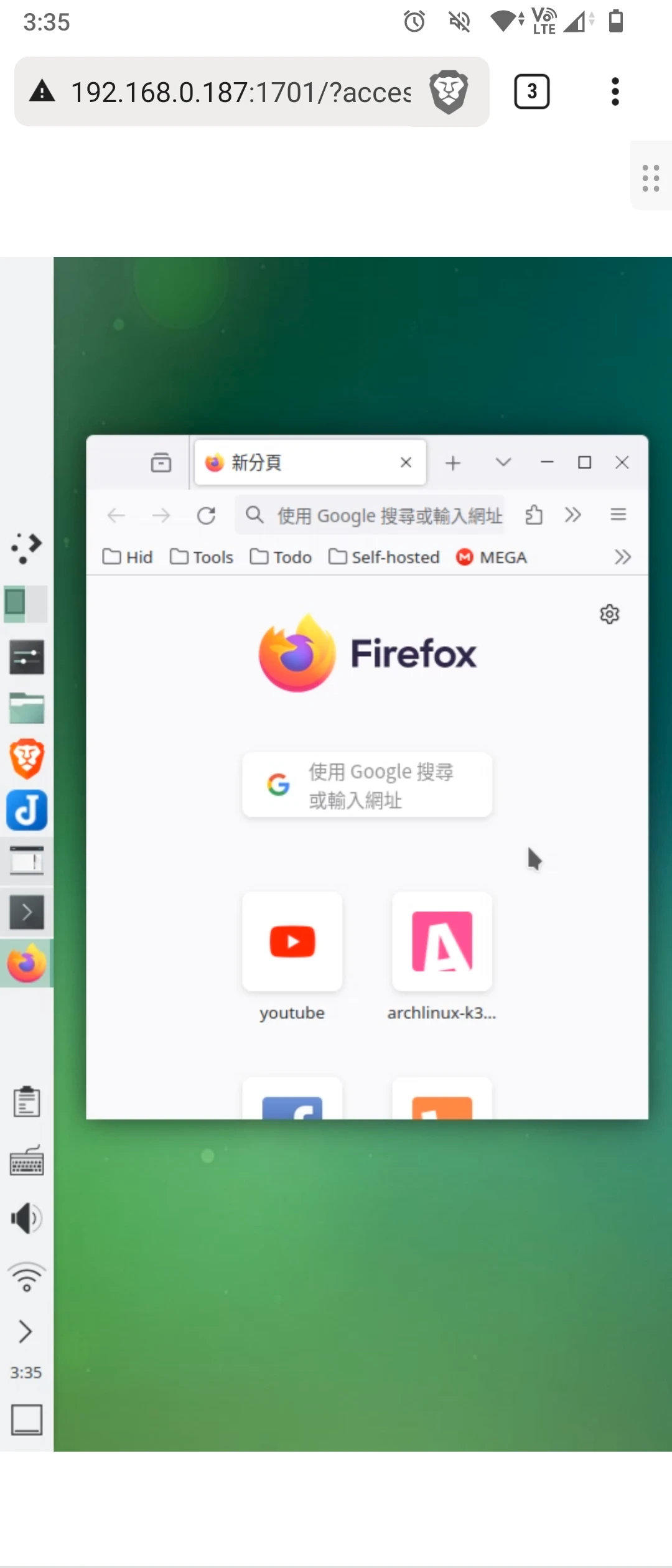
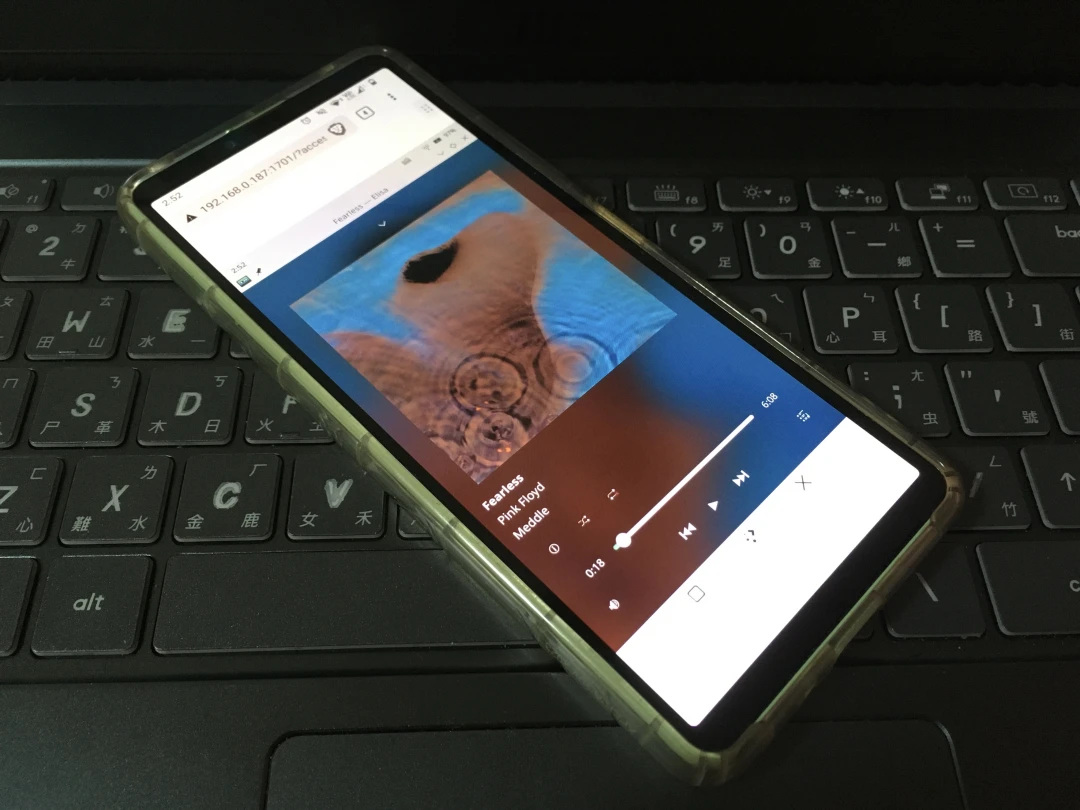
After connecting from the phone browser, you can control the Linux computer with a mobile UI.
But most computer screens are landscape, which creates a problem: Wayland cannot force a “portrait” resolution. So I used screen rotation instead. The projected result looks like this:
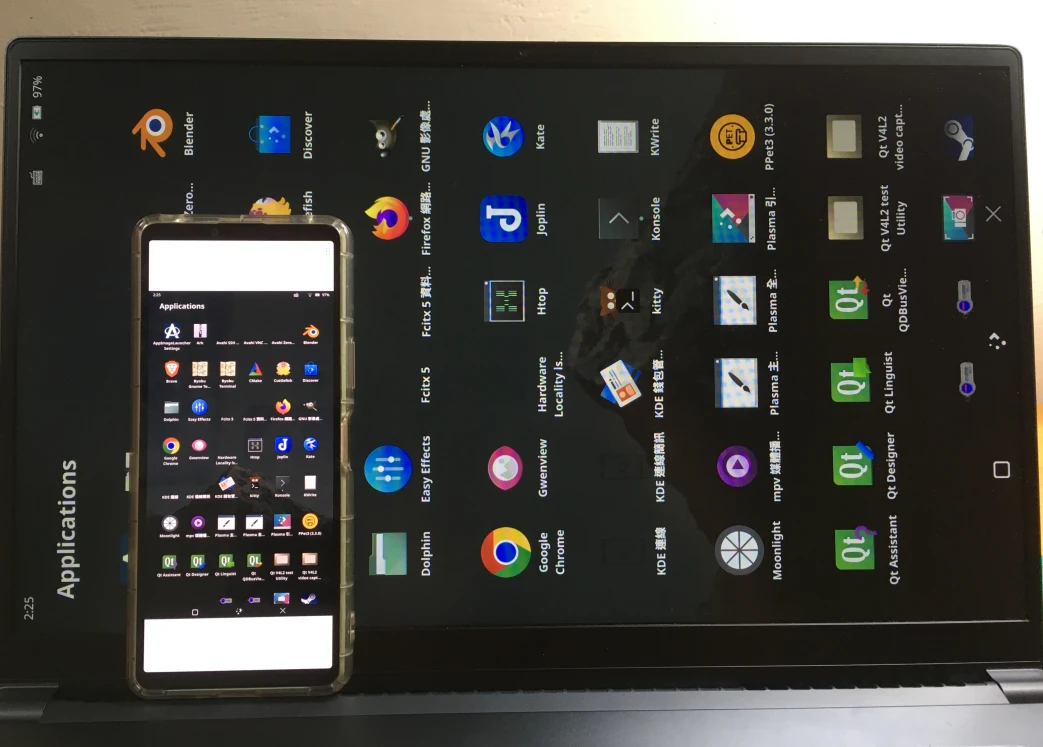
The remote Plasma Mobile view on an Android device:
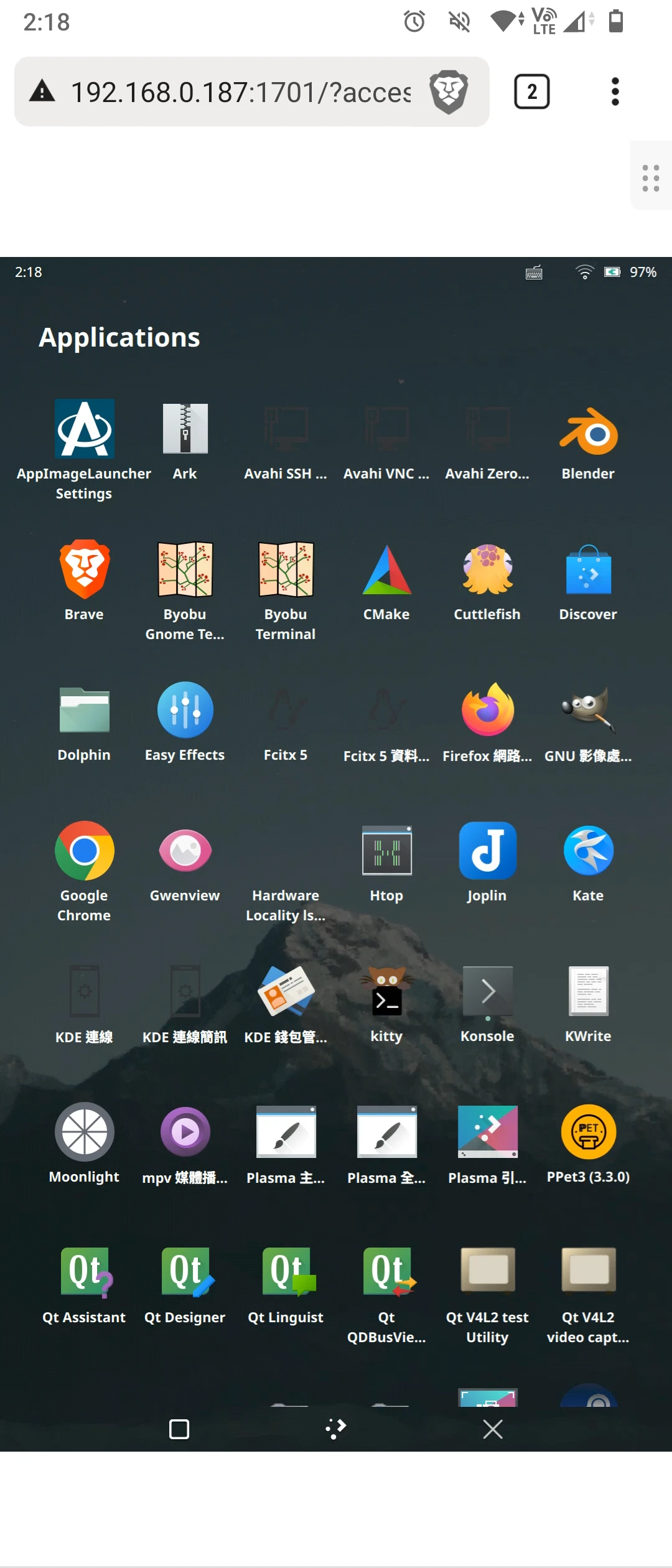
This is barely usable, because after rotating the screen, the mouse and touch gestures are reversed. Excellent, just what nobody asked for.
Option 2: Plasma X11 + XRandr #
Desktop Plasma lets you arrange the UI freely and also has a tablet mode, so you can use it on touch devices without Plasma Mobile.
This only works in an X11 session. Following It’s Linux FOSS’s tutorial, use the following XRandr commands to add a custom resolution and force the screen into a portrait resolution without rotating the display.
cvt 1080 1920

xrandr --newmode "1080x1920_60.00"  176.50  1080 1168 1280 1480  1920 1923 1933 1989 -hsync +vsync

xrandr --addmode eDP-1 "1080x1920_60.00"
Then adjust scaling:
xrandr --output eDP-1 --mode "1080x1920_60.00" --scale 0.5x0.5X11 touch gestures can be improved with Touche.
Even after all these tweaks, the Plasma desktop is still not suitable for phone use.