Want to install Linux on a phone and run desktop programs? Strictly speaking, those are two different ideas. After a long stretch of trying this stuff myself, Ivon put together this article to share the results.
With today’s technology, there are two main ways to run Linux on a phone:
- Use an app to emulate a Linux environment
- Delete the phone’s operating system and flash it with a real Linux system
Let’s first look at the pros and cons of these two methods. At the end, we will also discuss option 3: buying a real Linux phone.
1. Use an App to Emulate a Linux Environment #
By “emulate,” I mean using an app to emulate a Linux system environment, mostly as an auxiliary tool. The upside is that almost every phone can install one. The downside is that what you can do is limited. Running terminal commands is fine, but containerization and virtualization are basically out.
Emulating a Linux environment with an app does not require root or jailbreaking, so it works for most devices. How Linux fits into your life is up to you, but starting with apps like Termux is a decent entry point. You might even get a taste of the free and open source software spirit. Once you are ready, then go play with Linux phones.
Android #
This includes Android phones and Android tablets, but not ChromeOS.
Termux #
- Related article: Termux usage guide
Termux works on most Android phones and supports Android 7 and later. It does not require root.
Termux is not a virtual machine. It provides a Linux-like environment and then tries to run programs with native performance. Termux also provides proot-distro (using ptrace to emulate chroot functionality) for installing Linux distributions. Combined with Termux X11, it can run the X Window System and Linux graphical programs, then use VirGL to achieve 3D graphics acceleration.
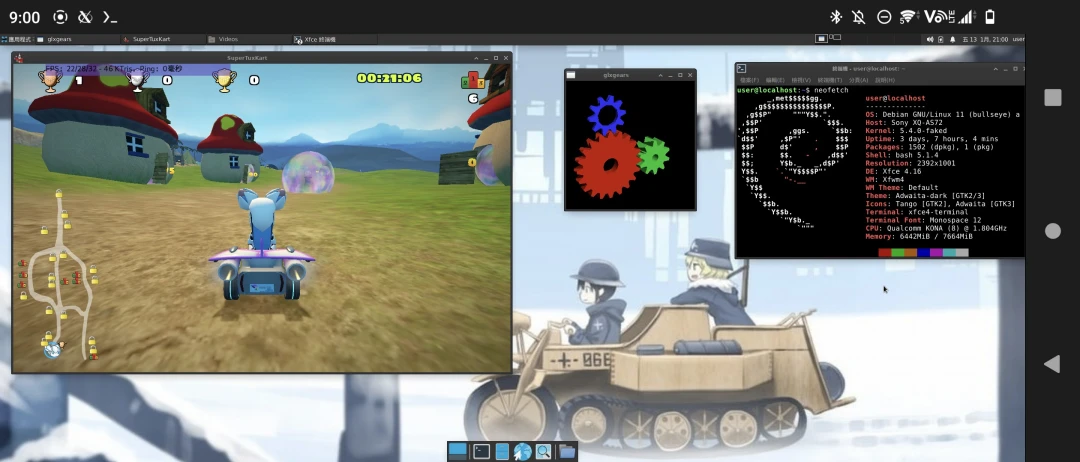
But even if you use proot-distro to install another Linux distribution container, that system is still constrained by Android, and it is hard to access hardware-level operations.
Termux is more of an auxiliary tool that mixes into the Android ecosystem. In this kind of Linux environment, you can write small Python, Java, or C++ programs, run office software, and play some little Linux games. Since Termux can access some Android system files, batch-converting videos with ffmpeg also works.
If the phone has root access, installing a Linux container with chroot and pairing it with Busybox lets you do a bit more.
But chroot is still limited by Android’s trimmed-down Linux kernel. For example, Android kernels generally lack the cgroups kernel modules, so Docker still will not run. chroot is better suited for doing some system modification work together with Magisk.
QEMU #
The options here are more limited and not as versatile as Termux.
The emulator software “QEMU” has Android ports. Termux includes QEMU packages, and some people have made standalone apps, including Limbo PC Emulator and Vectras VM.
- Related article: Run an x86_64 Ubuntu virtual machine on a phone with QEMU
What about using QEMU to run an ARM Linux virtual machine? Sorry, most Android phones do not have the KVM kernel module, so VM performance is miserable. Even at the time of writing, with 2025 flagship phones, they are only good enough for Windows XP or a text-only Linux VM.
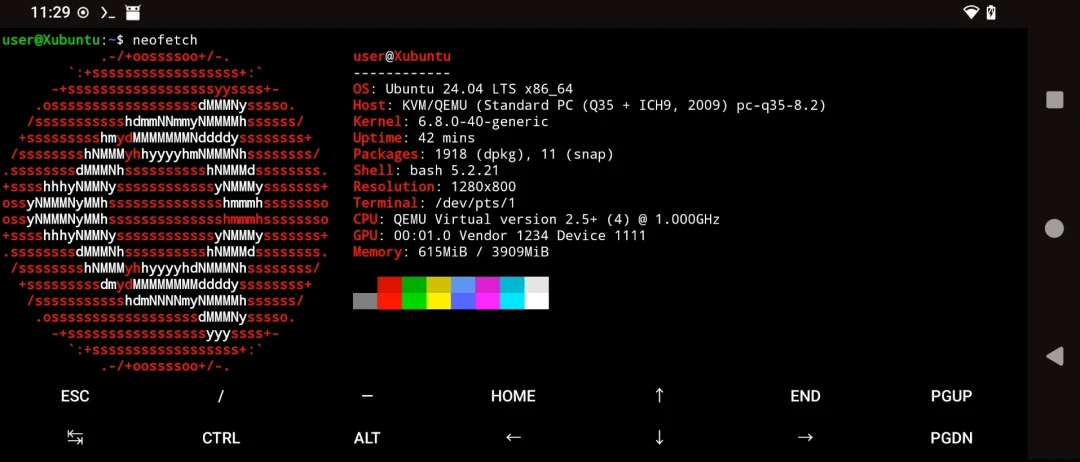
Google Pixel phones are the exception. Pixel phones with Tensor processors support pKVM virtualization, so Limbo PC Emulator runs very quickly, even Windows 11 ARM. You need this custom Limbo build: Limbo For Tensor-based devices
In addition, Google Pixel phones running Android 16 or later can run Linux virtual machines through the AVF framework. See: Google slips built-in terminal, Debian Linux VM into Android 15 March feature drop
iOS #
This includes iPhone, iPad, and iPod touch devices.
iSH Shell #
- Related article: iSH Shell usage guide
iSH Shell on iOS is an app that emulates 32-bit Alpine Linux. Its text-only interface is suitable for running some Python scripts and serving as an SSH client.
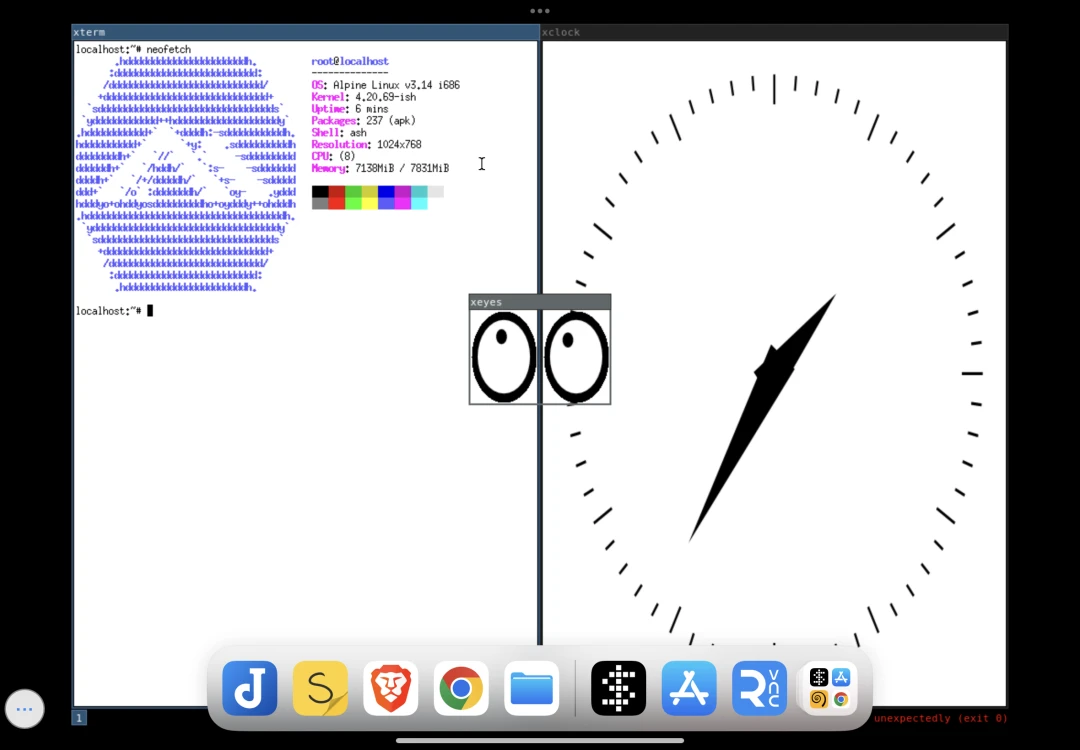
Because iSH’s filesystem can be opened with the Files app, you can drop files into the Linux environment for processing, such as batch-converting photos with ImageMagick. In that sense, iSH is similar to Termux on Android: a Linux environment mixed into the iOS ecosystem.
The downside is that iSH Shell is a plain x86 emulator. It is only compatible with 32-bit packages, and some instruction sets are not implemented yet, so some programs may fail.
UTM #
- Related article: UTM usage guide
UTM is virtual machine software. With JIT acceleration enabled, or virtualization enabled after jailbreaking, it can run VMs for other systems at high performance. It is especially suitable for iPad.
Combined with Apple’s obnoxiously strong processor performance, high-end iPads with M-series chips have already been proven capable of handling Windows 11 ARM. Linux, naturally, is not a problem.
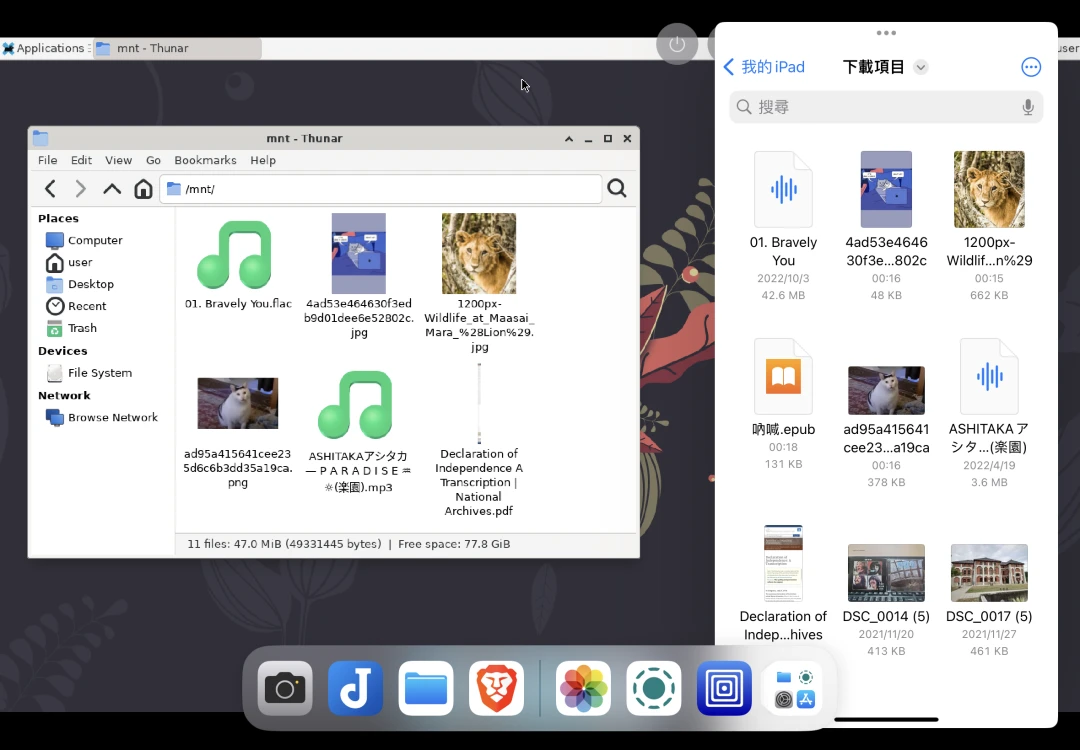
The downside is that Apple only allows the unaccelerated “UTM SE” on the App Store. That version of UTM even struggles with Windows XP. The normal version of UTM must be sideloaded. Whether you use JIT acceleration or jailbreak to enable virtualization, the setup process is tedious and not very practical.
2. Flash the Phone with a Real Linux System #
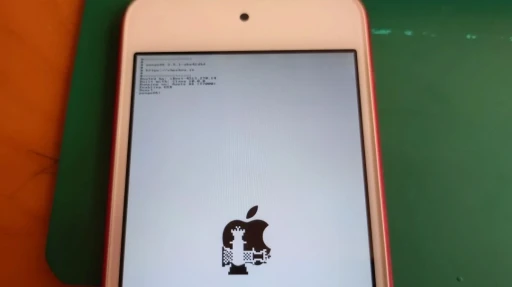
Even after jailbreaking, iOS devices cannot be flashed with other systems, except for the special case of Project Sandcastle on the iPhone 7. What about relatively open Android devices? In reality, there are not that many Android phones that can be flashed with Linux either.
The Linux systems discussed here do not include Android. That includes LineageOS, GrapheneOS, ClayxOS, and similar systems. They are Android variants, not Linux in the sense used here. Some people will ask: does Android not count as Linux? It does, and also does not. Android uses the Linux kernel, but its architecture is very different from desktop GNU/Linux. The “real Linux phone systems” discussed below are designed more like desktop GNU/Linux systems, not Google’s heavily modified result. A shorter way to say it: these systems keep the root user available by default, instead of removing it Android-style.
So what choices are there for phone Linux systems? Right now, there are more than a dozen “real Linux phone system” distributions outside of Android. The two strongest players are “Ubuntu Touch” and “postmarketOS.” These two Linux distributions support the largest number of phones and have been ported to many Android devices.
You need to buy a phone suitable for flashing. Even if a phone has many Android ROMs available, that does not mean it can be turned into Linux. Want to know which phones are suitable? Check the postmarketOS Wiki and Ubuntu touch Wiki.
Ubuntu touch #
- Related article: Ubuntu touch installation guide
Ubuntu touch appeared the earliest, back in 2014. It was originally supposed to push further into phones, then after a few years its parent company Canonical abandoned it and it became maintained by the open source community.
Ubuntu touch has its own desktop environment, with a fairly complete UI design and even Chinese input methods. As a feature-phone-style system, it passes. Ubuntu touch’s system partition is read-only like Android’s. Even if you access it with root privileges, the next OTA update will overwrite your changes. To run desktop Linux programs, you need to enable an LXC container and install them there.
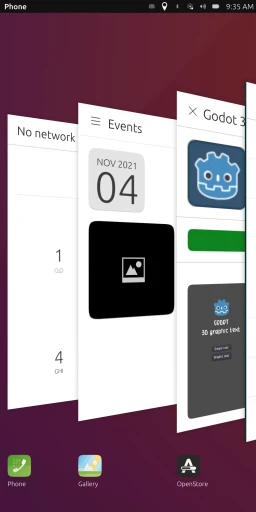
Ubuntu touch developed a porting method based on Halium, which mixes in Android drivers and trades away some free software purity for compatibility. Because of this, Ubuntu touch has better compatibility with Android phone hardware and is easier to port.
It supports running Android apps through Waydroid.
postmarketOS #
- Related article: postmarketOS installation guide
postmarketOS, which appeared around 2019, is more like a desktop GNU/Linux distribution. Its graphics stack uses Wayland or X11, and you can freely choose the desktop environment you want. The system partition is yours to modify, and if performance is good enough, Docker and virtual machines are fair game too.
postmarketOS emphasizes that ported devices must use the latest mainline Linux kernel, and drivers should use open source versions as much as possible. It gave up Ubuntu Touch’s Halium-style compromise and took the real GNU/Linux phone route.
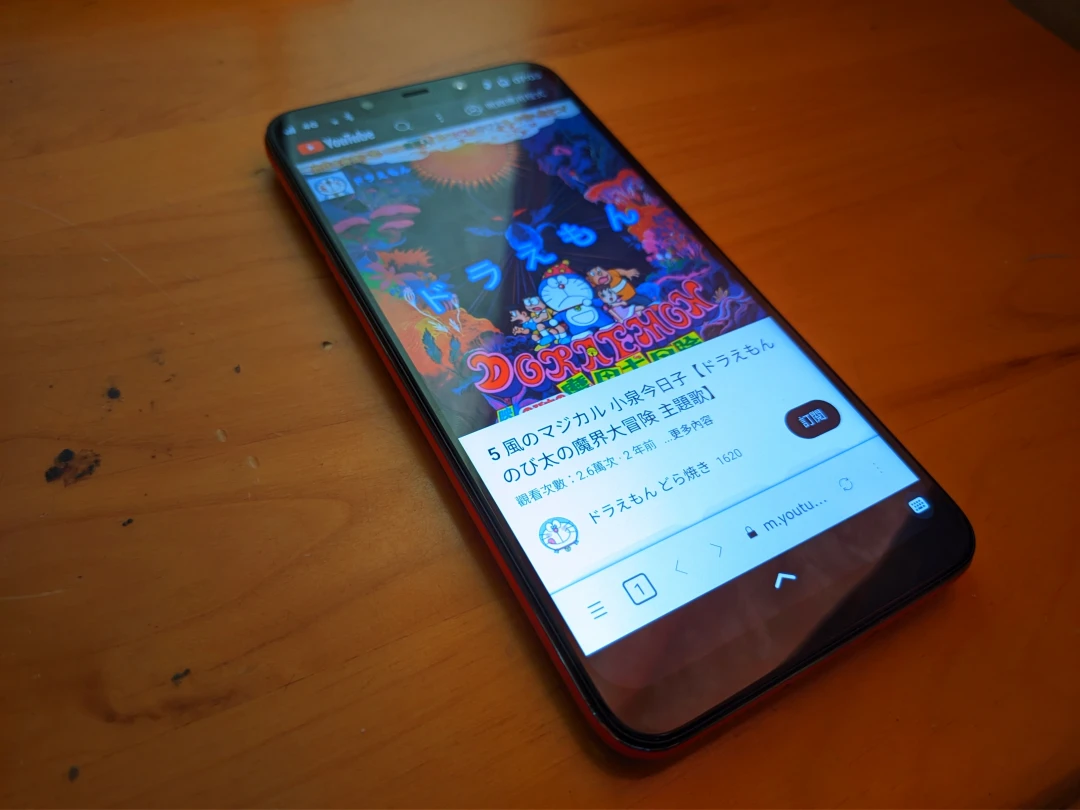
Maybe because postmarketOS is more free than Ubuntu touch, “Linux phone apps” actually have room to exist. The GNOME and KDE communities have successively developed apps and SDKs that adapt to different screen sizes, letting developers reuse existing GTK and Qt technologies to build Linux phone apps.
It supports running Android apps through Waydroid.
3. Buy a Real Linux Phone #
Besides flashing an Android phone into Linux, you can also buy a phone that ships with Linux from the factory. Since dedicated development teams maintain them, they avoid many of the problems you run into when flashing Linux onto Android hardware. Their hardware is usually fairly open too, so you can freely install other Linux distributions maintained by community members.
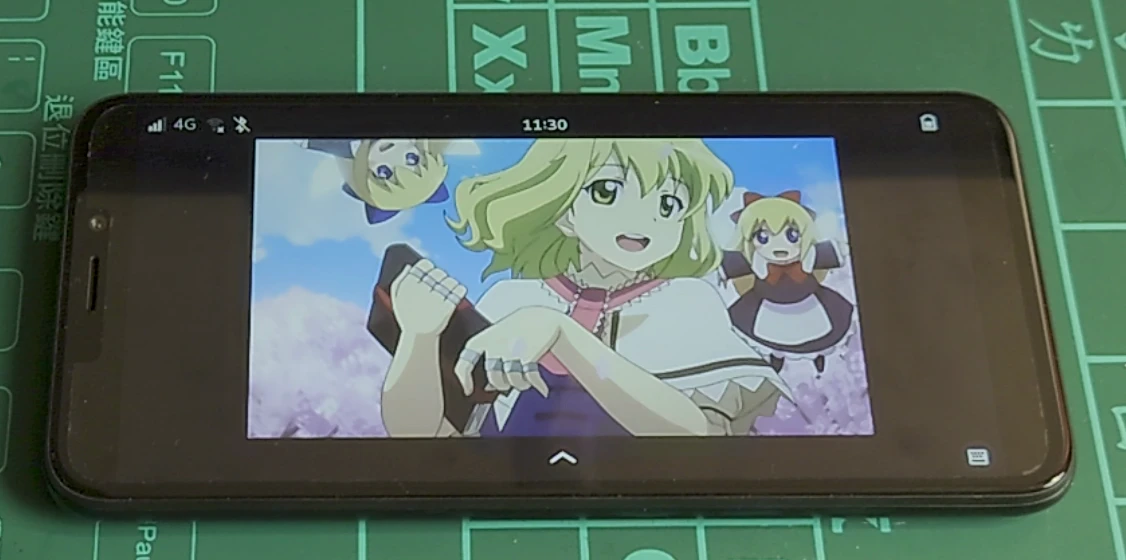
That said, these Linux phones may not be more usable than Android, and the price-to-performance ratio is not great. They are for users willing to get their hands dirty. Real Linux phones look powerful, but the ecosystem is still immature. At the moment, they can mostly satisfy calling and web browsing, and users need a strong tinkering spirit to stick with them. Open source may slowly fill the ecosystem gaps, but people who use Linux phones should have at least some command-line literacy.
Currently, phones that ship with Linux instead of Android include:
- FuriLabs FLX1 (2024), ships with FuriOS, based on Debian.
- Purism Liberty Phone (2023), ships with PureOS, based on Debian
- Purism Librem 5 (2020), ships with PureOS, based on Debian
- Pine64 PinePhone Pro (2022), ships with Manjaro, can install more than a dozen other distributions
- Pine64 PinePhone (2020), ships with Manjaro, can install more than a dozen other distributions
- Volla Phone (2020), ships with Ubuntu touch
- Fxtec Pro1X (2020), ships with Ubuntu touch